Chapter 1 Preparing to Service the System 21
What Next
To power on the system, see:
■ “How to Power On the System” on page 6
How to Remove the System From the
Rack
You must remove the system from the rack when doing the following:
■ Removing and replacing the main logic board
■ Removing and replacing the power distribution board
You can perform all other procedures while the system is still attached to the rails
extended from the rack. If you want to remove the system from the rack for any
other reason, follow the instructions in this section.
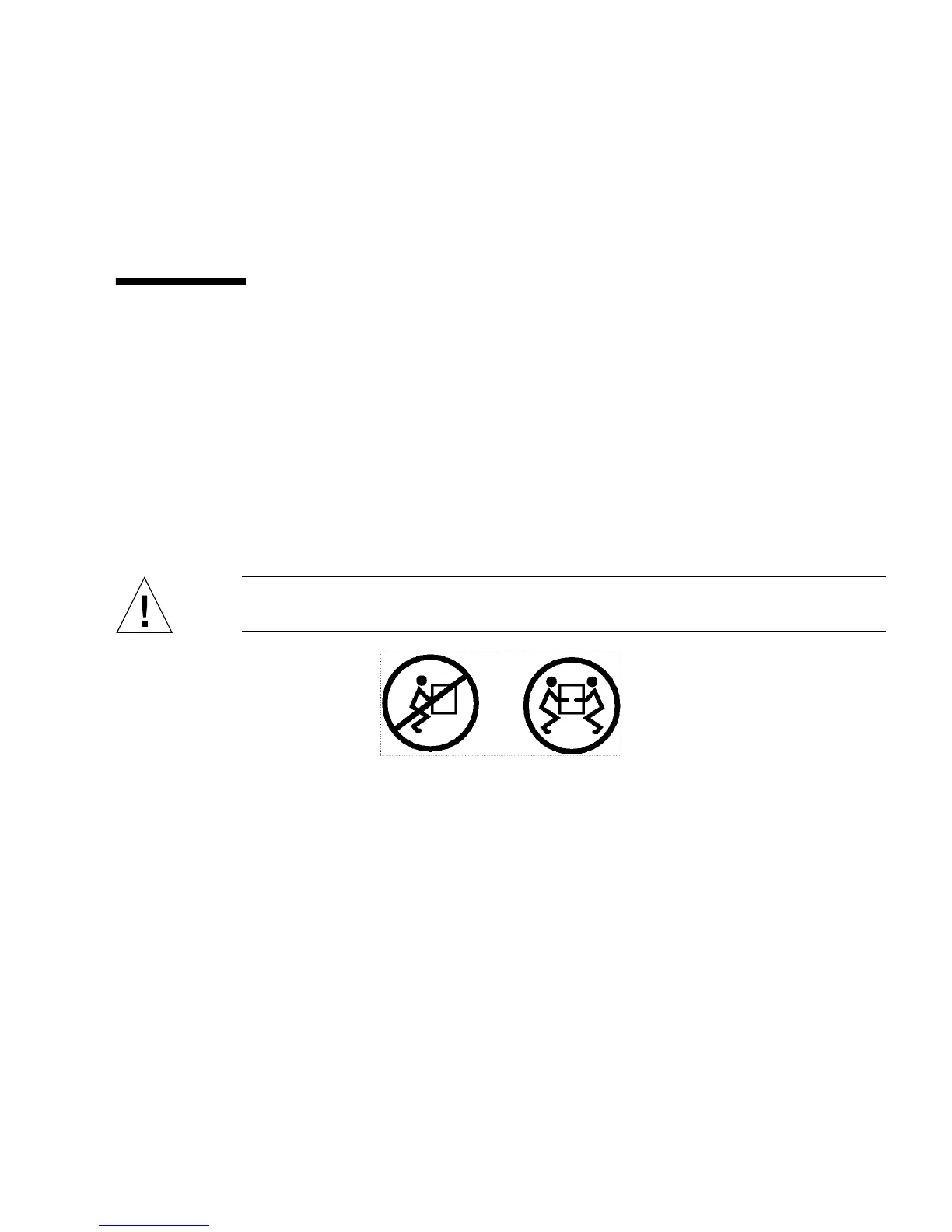
Caution – The chassis is heavy. Two persons are required to remove the system
from the rack enclosure in the following procedure.
Before You Begin
Complete these tasks:
■ Identify a helper to assist you in removing the system.
■ Verify that your helper can safely lift and carry 34 lb (17 kg), which is
approximately half the weight of a fully-equipped system.
■ Review the steps in the next section with your helper beforehand and discuss
how to coordinate your efforts to ensure your mutual safety.
■ Assemble the correct tools for the procedure. See “Tools Required for Installation
and Service” on page 14.
■ “How to Power Off the System” on page 5.













 To Next Page