110 Sun Fire 280R Server Service Manual • January 2001
How to Remove a DVD-ROM or
Tape Drive
Before You Begin
Complete these tasks:
■ “How to Power Off the System” on page 5
■ “How to Position the System for Service” on page 14
■ “How to Remove the System Cover” on page 30
■ “How to Avoid Electrostatic Discharge” on page 35
■ “How to Remove the Removable Media Assembly” on page 104
What to Do
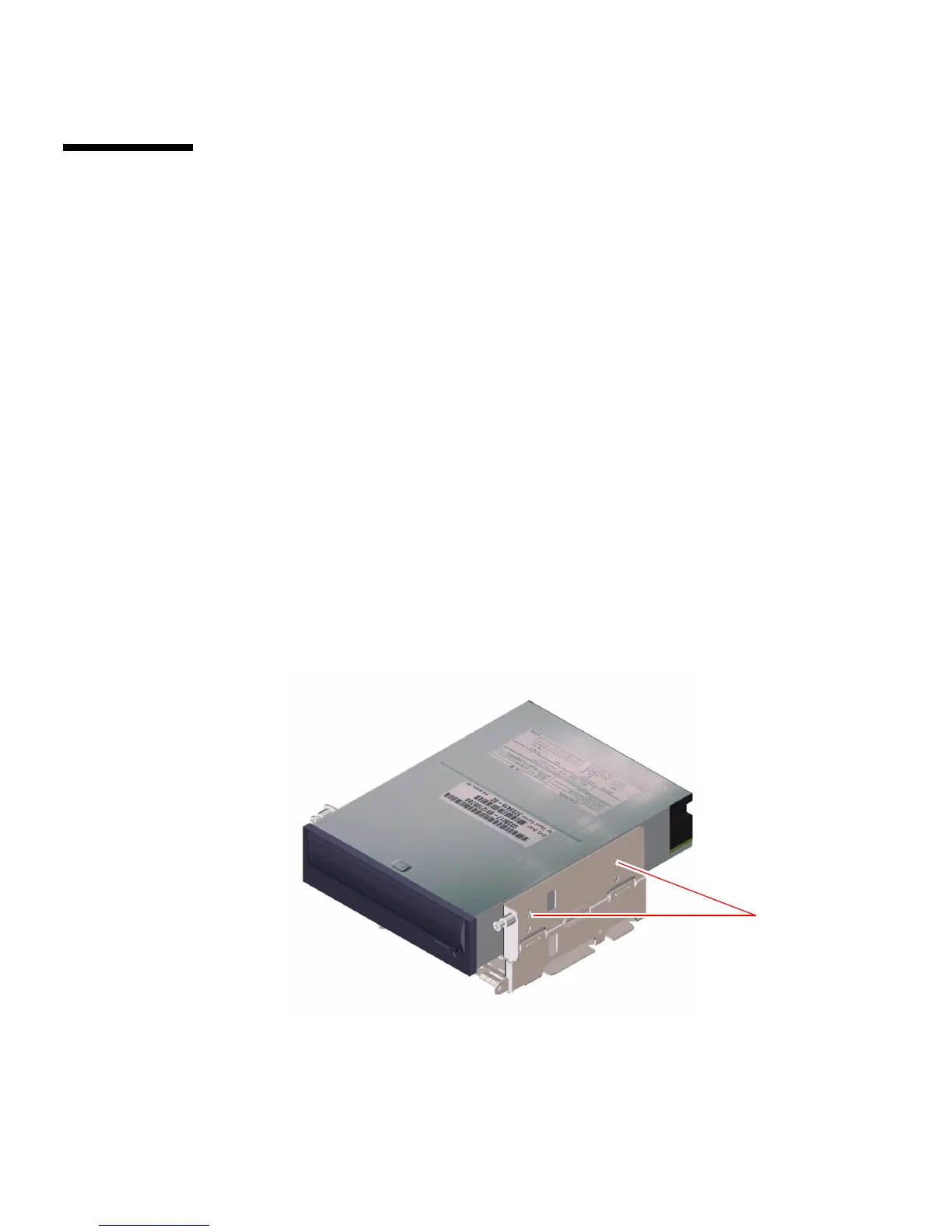
1. Remove the four Phillips screws securing the drive to the removable media
assembly (RMA).
There are two screws on each side of the drive.
Screws













 To Next Page