Chapter 1 Preparing to Service the System 9
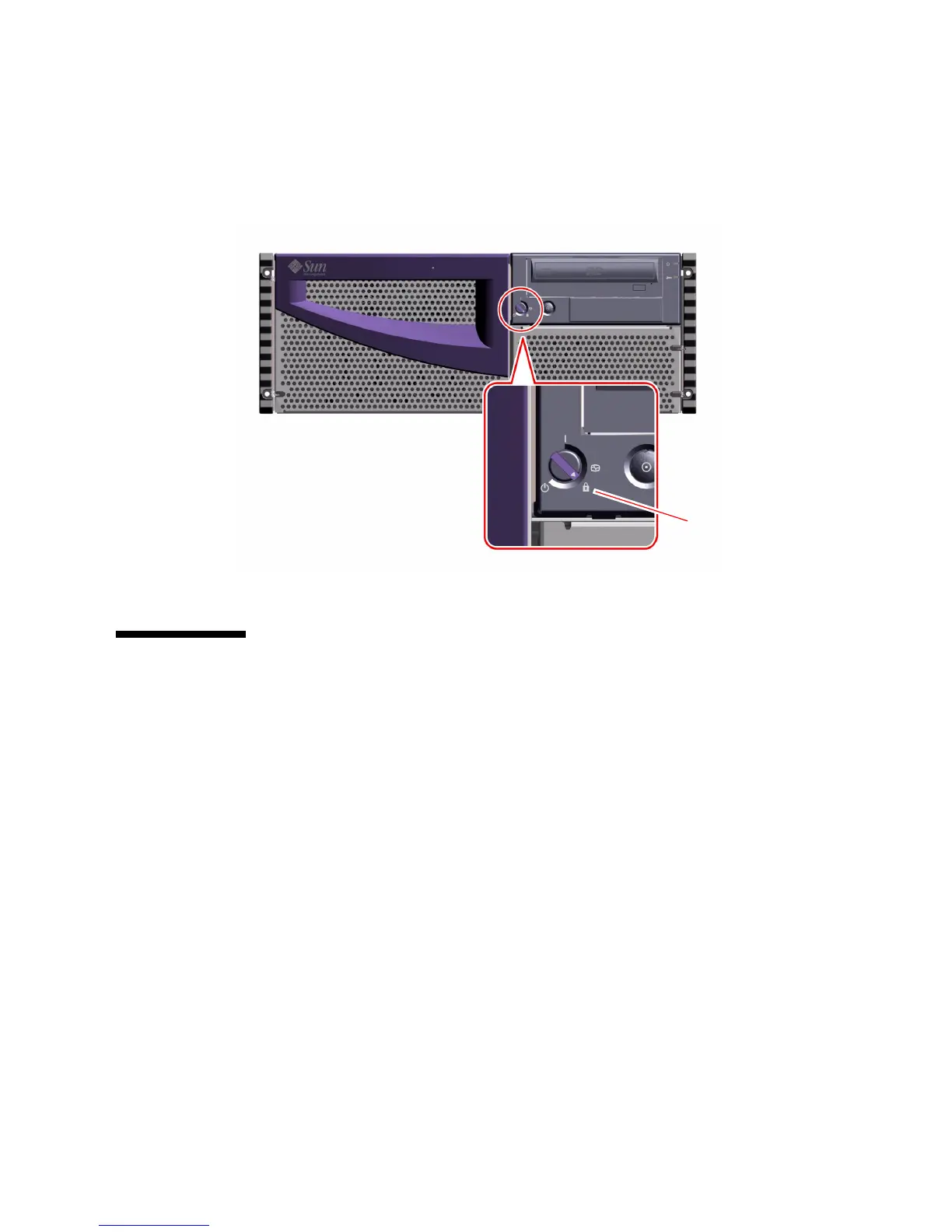
5. Turn the keyswitch to the Locked position.
The Locked position prevents accidentally powering-off the system. See “Keyswitch
Settings” on page 3 for information about each keyswitch setting.
How to Power On the System With
Full Diagnostics Enabled
Before You Begin
If a local graphics console or ASCII terminal is not already connected to the system,
you need to install one before performing the startup procedure. For more
information, see:
■ “How to Attach an Alphanumeric Terminal” on page 38
■ “How to Configure a Local Graphics Console” on page 39
Locked position












 To Next Page