4 Sun Fire 280R Server Service Manual • January 2001
System LED Indicators
The two system LEDs consist of a system power indicator and a fault indicator. The
system power indicator lights continuously green to show that the system is
powered on. The fault indicator lights when a problem is detected in the system.
Because it is important to know that a fault exists in the system after an error
condition occurs, the fault indicator remains lit when the system is in normal
operating mode. When the system is switched to Forced Off mode using the
keyswitch, the LED indicators lose power and turn off.
When you first power on the system, both system indicator LEDs are lit. The general
fault indicator flashes briefly for two seconds and is then toggled off. After that, the
LEDs operate as described in the following table.
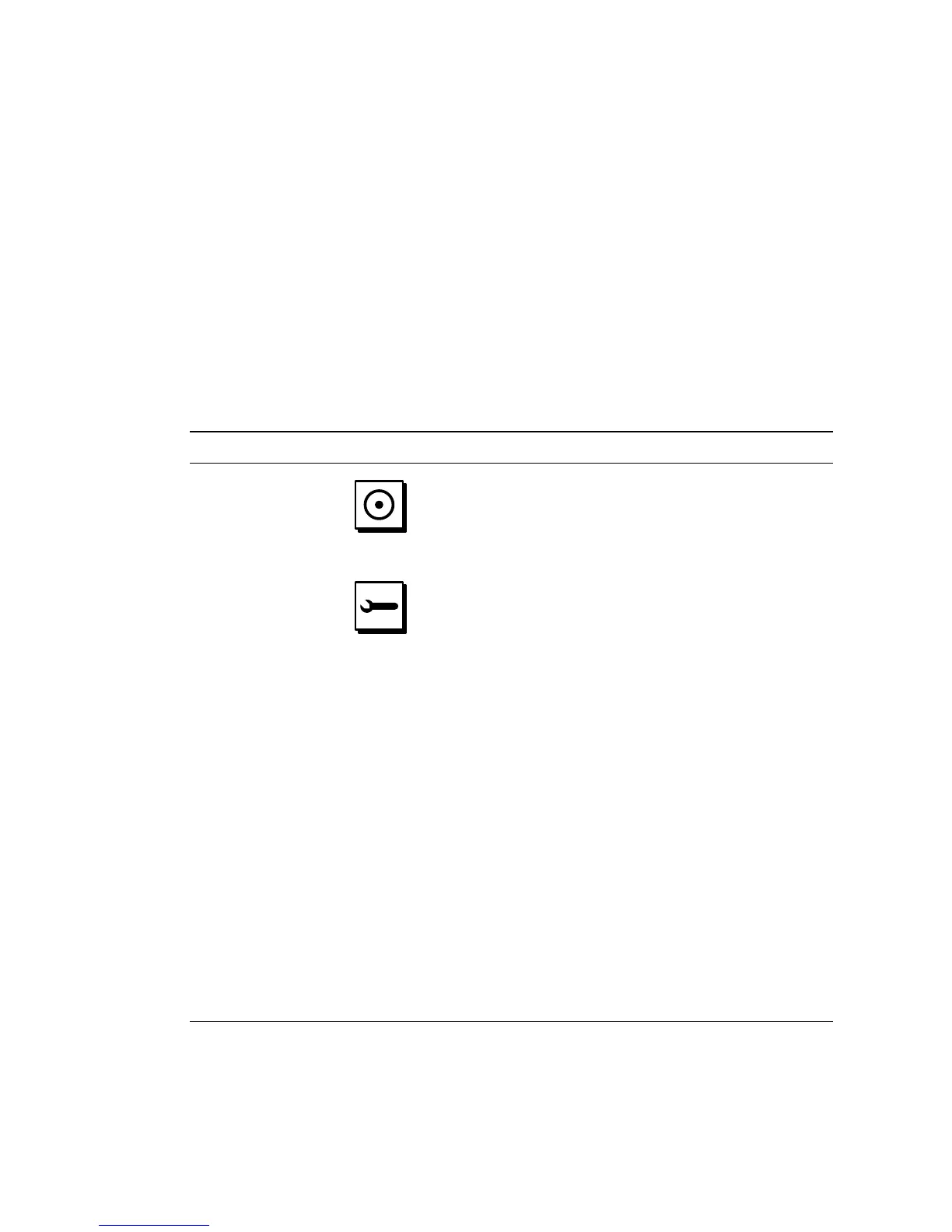
Name Icon Description
Power-On/Activity This green LED lights continuously when the system
power is on.
General fault This amber LED lights steadily when a system
hardware fault is detected. For example, the LED lights
when: a fault occurs in a power supply indicating an
over-temperature condition, an incorrect voltage occurs
in a power supply, an electrical short occurs in a power
supply, or when a fan failure occurs in a power supply.
During the boot process, this LED flashes for
approximately three seconds. If you press the Power
button twice within the three seconds, the system will
come up with factory-set Safe mode NVRAM variable
settings, returning the system to the ok firmware
prompt. See “How to Use Default NVRAM Parameters”
on page 175 for more information.
This amber LED lights steadily if either installed power
supply is not a 560-watt power supply.
This amber LED lights steadily if there is a single
system fan failure, or lit by software.
See “Diagnostics, Monitoring, and Troubleshooting” on
page 155 for information about troubleshooting your
server.













 To Next Page