6 Sun Fire 280R Server Service Manual • January 2001
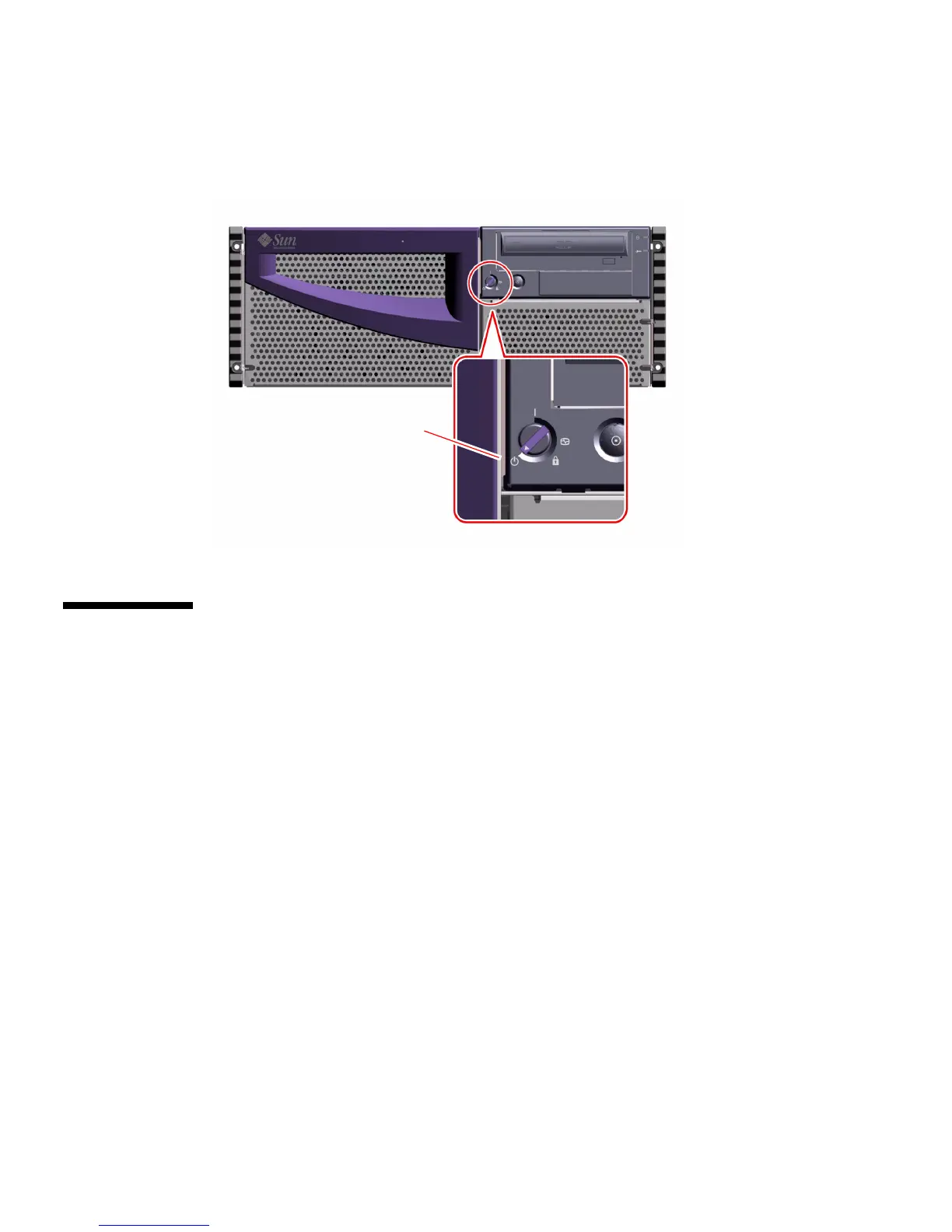
5. Turn the keyswitch on the front panel of the system to the Off position.
See “Keyswitch Settings” on page 3 for information about each keyswitch setting.
How to Power On the System
Before You Begin
If an ASCII terminal or local graphics console is not already connected to the system,
you need to install one before performing the startup procedure. For information,
see:
■ “How to Attach an Alphanumeric Terminal” on page 38
■ “How to Configure a Local Graphics Console” on page 39
Off position













 To Next Page