Chapter 1 Preparing to Service the System 33
How to Replace the System Cover
Before You Begin
Caution – To ensure adequate cooling and airflow, the system must run at all times
with the cover closed. Do not operate the system while the system cover is removed.
What to Do
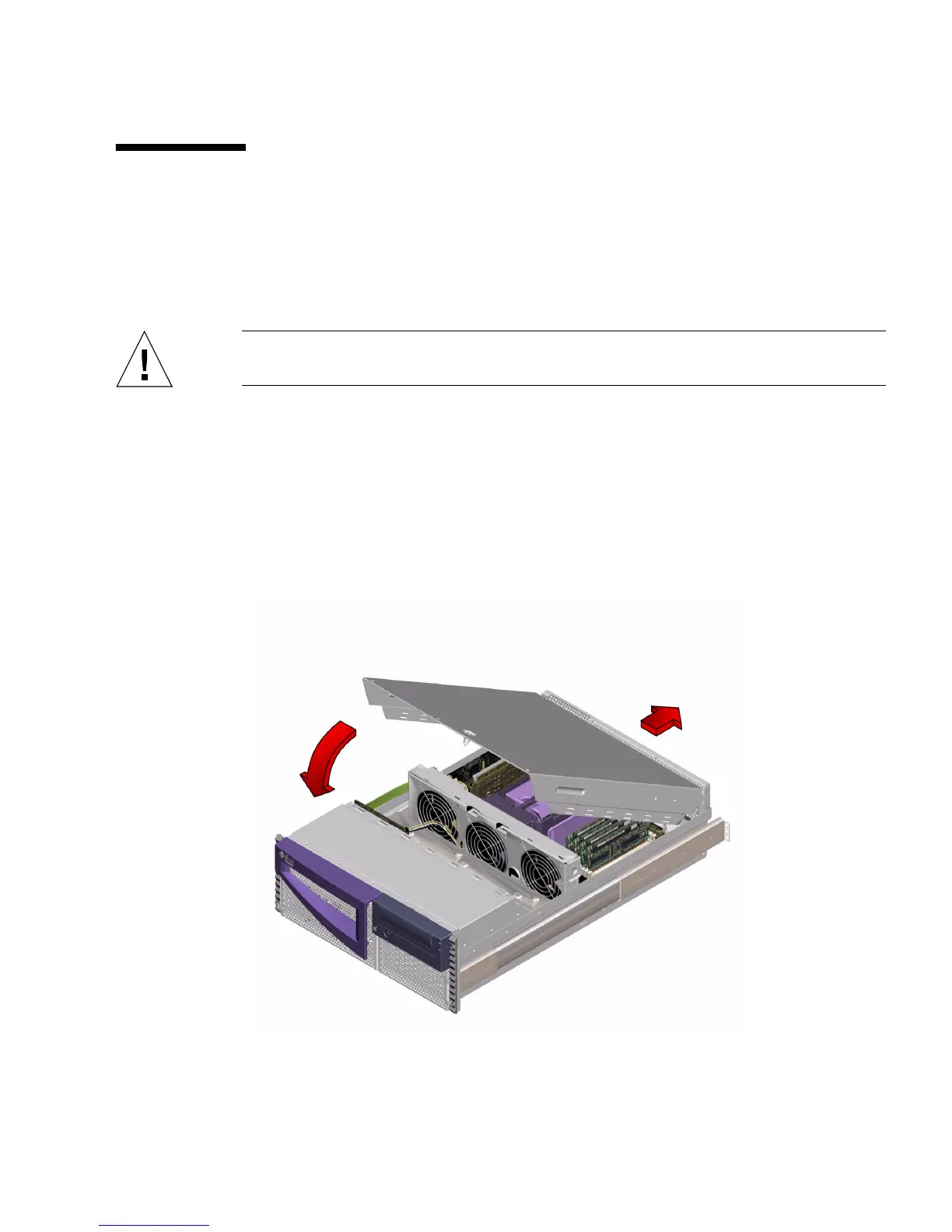
1. Insert the system cover into the recessed hinge cutouts on the back panel. Grasp
the system cover by its sides, and lower the cover down and toward the front of
the enclosure.
The system cover hinges on two recessed cutouts on the back panel of the enclosure.













 To Next Page