34 Sun Fire 280R Server Service Manual • January 2001
2. Using a No. 2 Phillips screwdriver, tighten the captive screws securing the panel
to the enclosure.
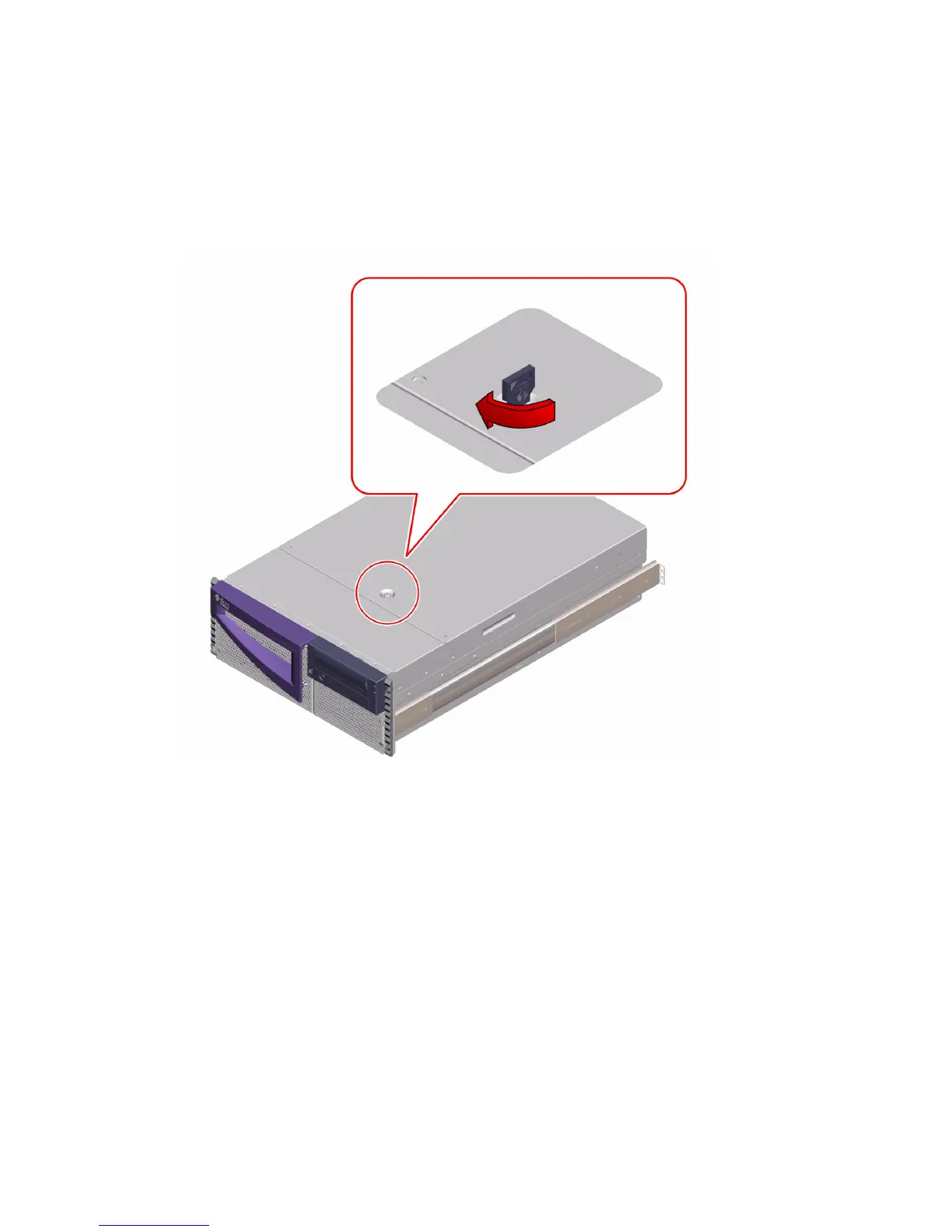
3. Lock the system cover.
Using the front door key, turn the key clockwise to engage the system cover lock.
What Next
To restart the system, see:
■ “How to Slide the System Into the Rack” on page 18
■ “How to Power On the System” on page 6
If you reconfigured the system, complete the following procedure:
■ “How to Initiate a Reconfiguration Boot” on page 12













 To Next Page