Chapter 2 Servicing the Main Logic Board and Components 61
How to Install a PCI Card
Before You Begin
Complete these tasks:
■ “How to Power Off the System” on page 5
■ “How to Position the System for Service” on page 14
■ “How to Remove the System Cover” on page 30
■ “How to Avoid Electrostatic Discharge” on page 35
Read the documentation supplied with the PCI card for information about jumper
settings, PCI slot requirements, and cable connections.
What to Do
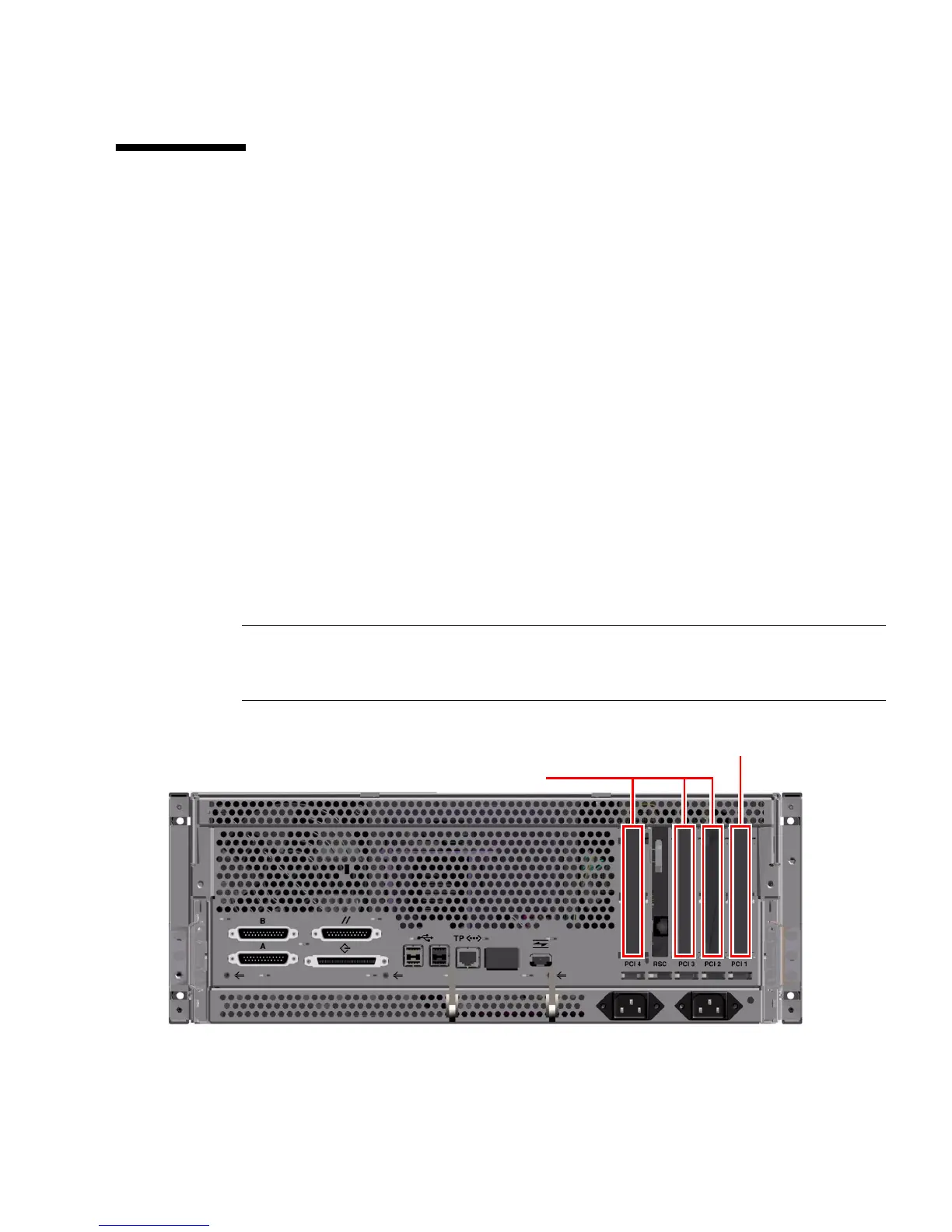
1. Locate an unused PCI slot.
Note – PCI slot 1 is reserved for high-speed (66-MHz) cards. Installing a low-speed
(33-MHz) card into PCI slot 1 will affect FC-AL performance. Do not install a
low-speed card into PCI slot 1.
2. If you are installing a PCI card into an unused slot, remove the corresponding
filler panel from the chassis back panel. Otherwise go to Step 3.
PCI slot 1
(high-speed cards only)
Low-speed PCI slots













 To Next Page