12 Sun Fire 280R Server Service Manual • January 2001
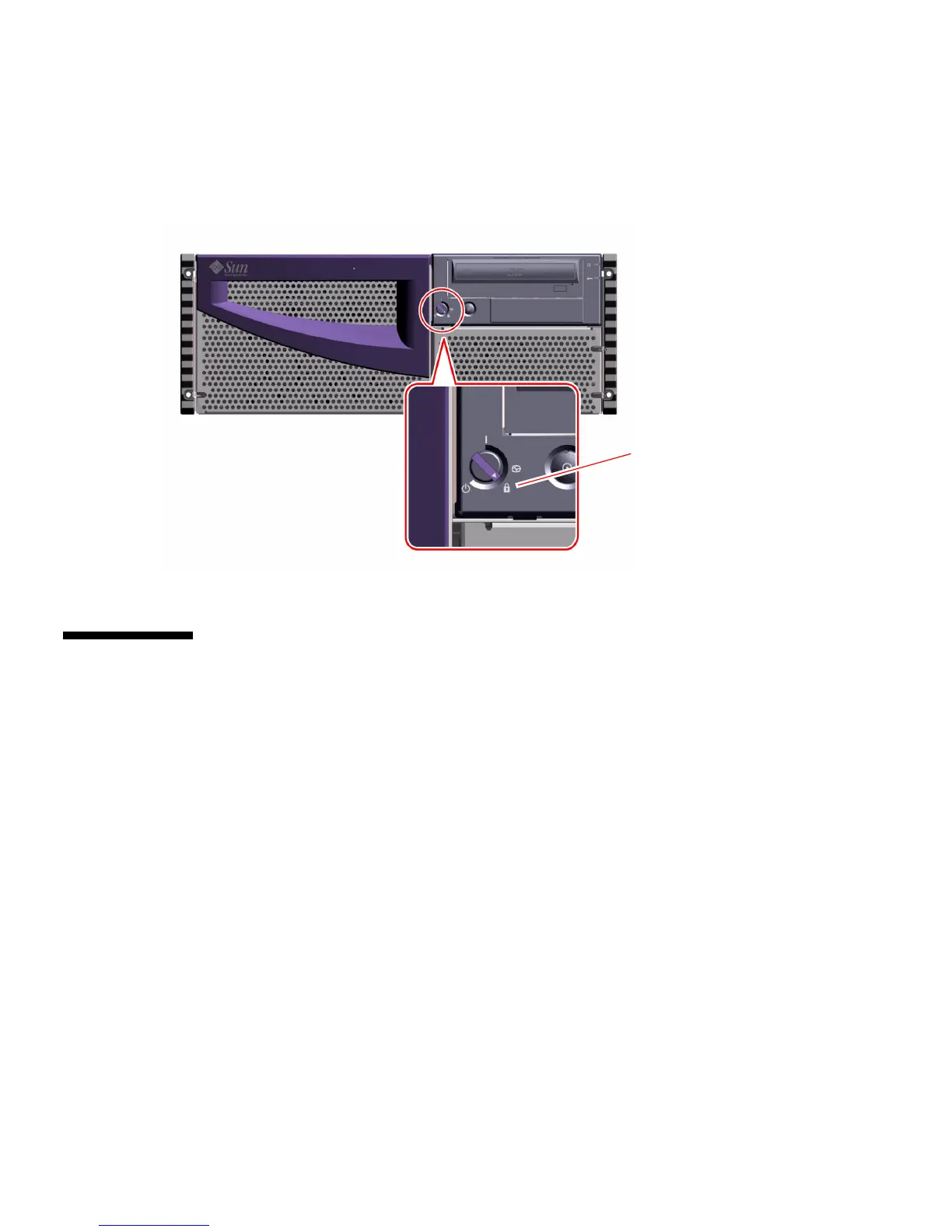
5. Turn the keyswitch to the Locked position.
The Locked position prevents accidentally powering-off the system. See “Keyswitch
Settings” on page 3 for information about each keyswitch setting.
How to Initiate a Reconfiguration Boot
Before You Begin
After you have installed the operating system, and after you have installed any new
part that plugs in to the main logic board or any internal or external storage device,
you must perform a reconfiguration boot so that your system is able to recognize the
newly installed option(s). Performing a reconfiguration boot is not necessary after
hot-plugging a disk drive or a USB device.
Locked position













 To Next Page