Chapter 1 Preparing to Service the System 11
1. Turn on power to any peripherals and external storage devices.
Read the documentation supplied with the device for specific instructions.
2. Turn on power to the local graphics console or ASCII terminal.
A local graphics console or ASCII terminal is required for viewing system messages.
For setup instructions, see “How to Attach an Alphanumeric Terminal” on page 38
or “How to Configure a Local Graphics Console” on page 39.
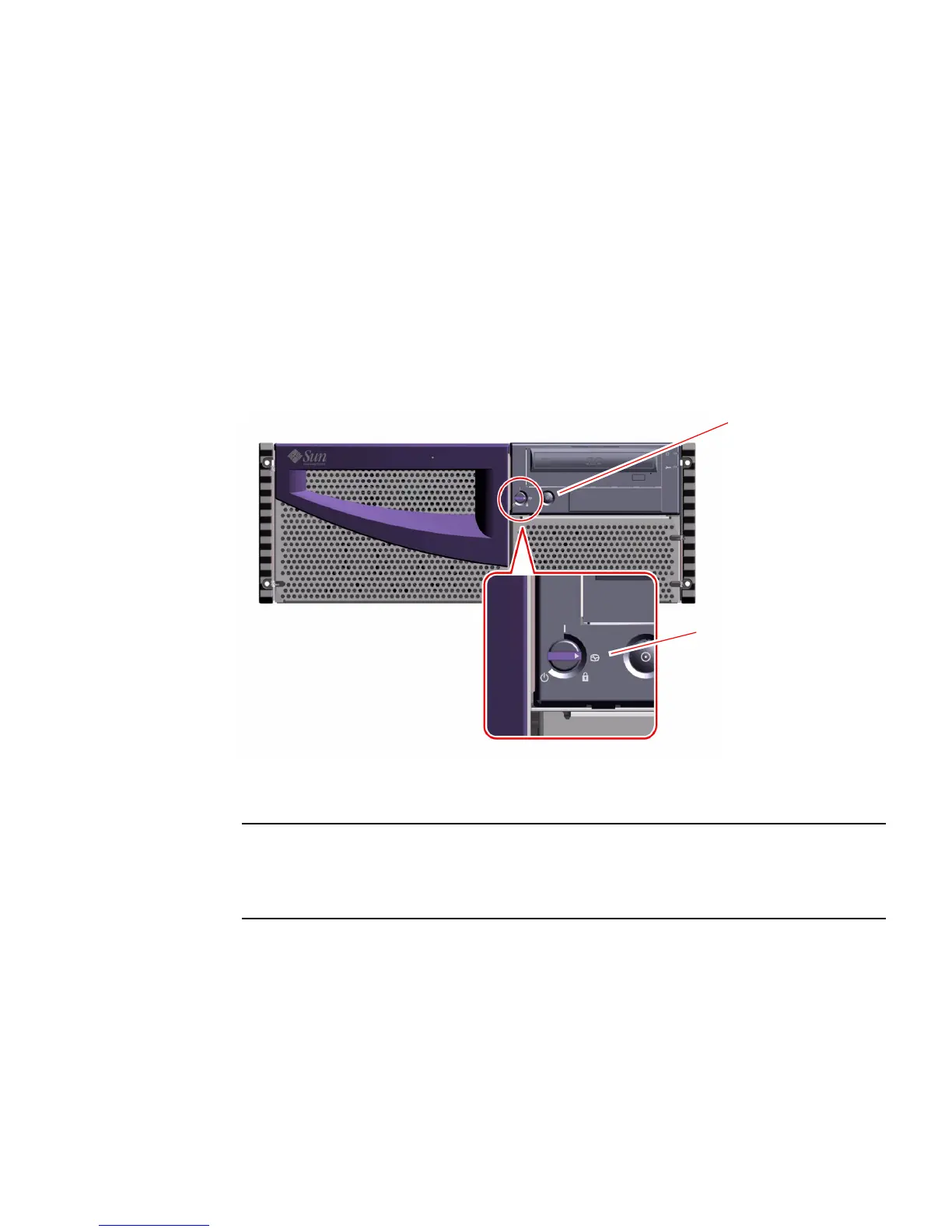
3. Turn the front panel keyswitch to the Diagnostics position.
See “Keyswitch Settings” on page 3 for information about each keyswitch setting.
4. Press the front panel Power button once.
Note – The system may take anywhere from 30 seconds to several minutes before
video is displayed on the system monitor or the ok prompt appears on an attached
terminal. This time depends on the level of power-on self-test (POST) diagnostics
being performed.
Diagnostics position
Power button













 To Next Page