24 Sun Fire 280R Server Service Manual • January 2001
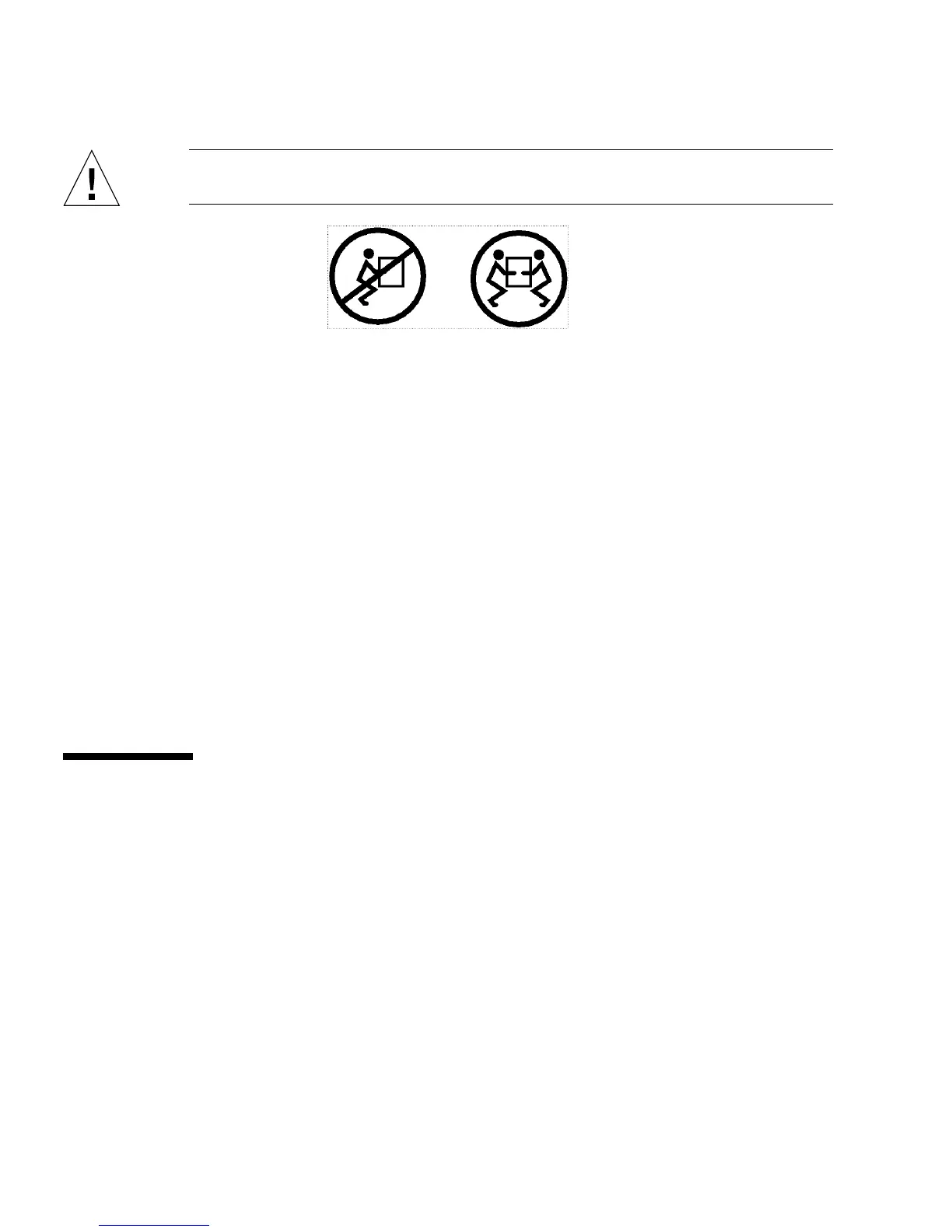
Caution – The chassis is heavy. Two persons are required to remove the system
from the rack enclosure in the following steps.
6. Simultaneously press in on both flat spring catches to release them, and then slide
the system out of the glides.
Each person presses one spring catch and helps slide the system free of the outer
glide, supporting the weight of the system with both hands as the system slides free
of the rack.
7. Set the system on a workbench or other stable surface.
8. Slide the empty rack slides back into their protective outer glides.
9. Reattach, close, and lock the rack doors as appropriate.
What Next
To place the system into the rack glides, see:
■ “How to Place the System Into the Rack” on page 24
How to Place the System Into the Rack
This procedure assumes that the slide assembly is already installed in the rack. For
further information on assembling the slide assemblies and rack enclosures, see the
Sun Fire 280R Server Setup and Rackmounting Guide.













 To Next Page