Chapter 1 Preparing to Service the System 17
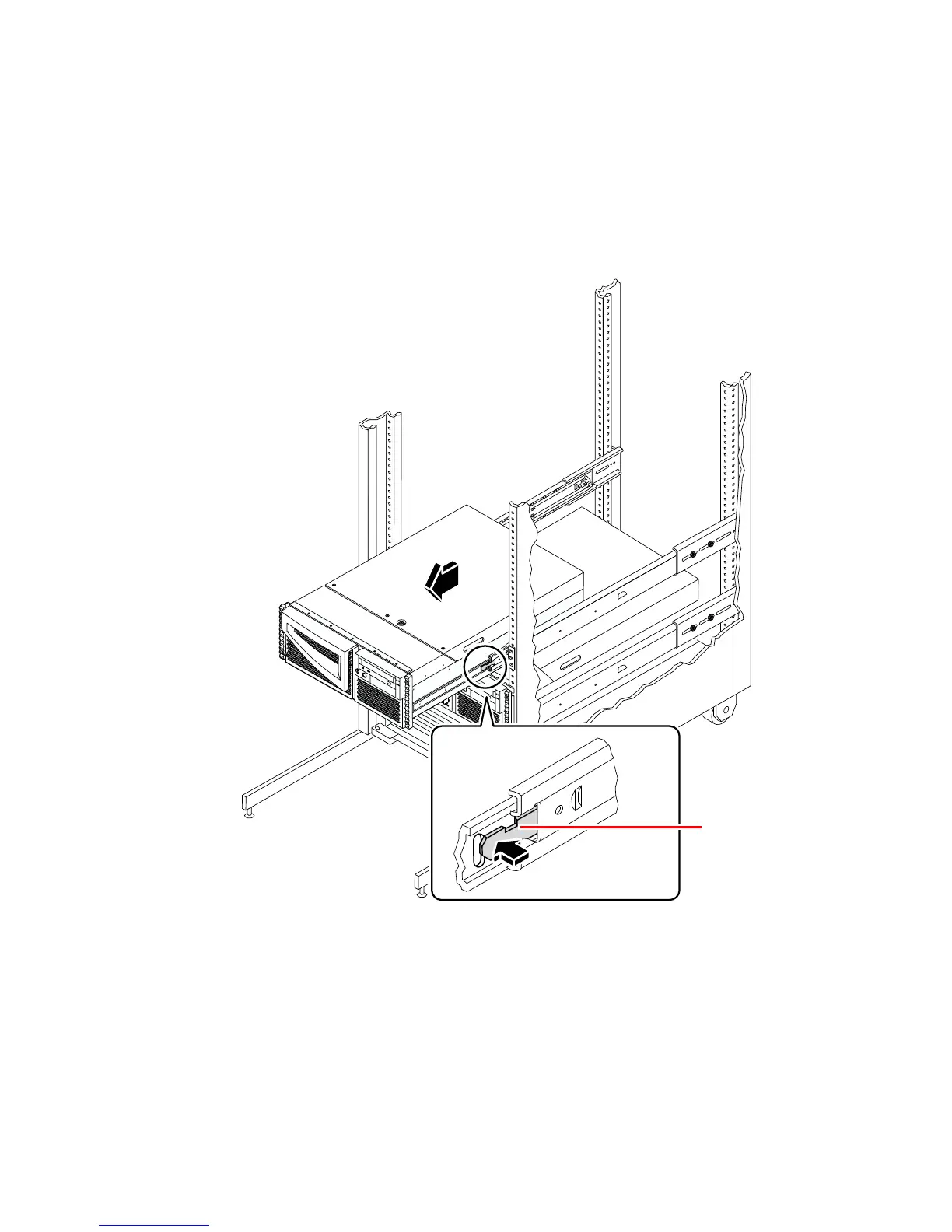
5. Slide the system chassis evenly out of the rack enclosure until the inner glides
stop in the slide.
Grasp the system’s front bezel and pull the system smoothly out of the enclosure.
Continue pulling the system until the back of the chassis clears the enclosure and
you hear the flat spring catches in the glides engage with an audible clicking sound.
The system is then fully extended and secure.
What Next
To slide the system into the rack enclosure, see:
■ “How to Slide the System Into the Rack” on page 18
Glide spring













 To Next Page