84 Sun Fire 280R Server Service Manual • January 2001
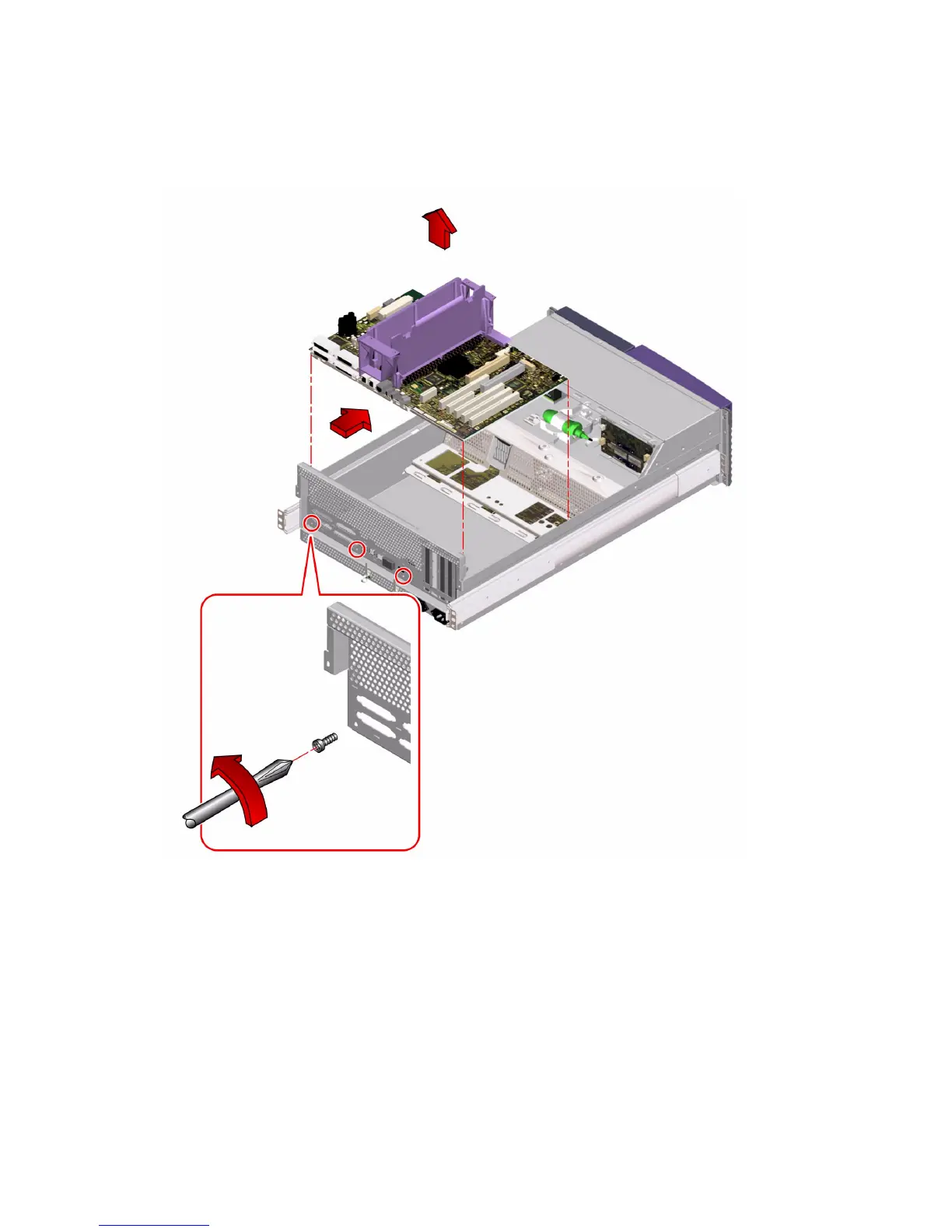
3. Slide the main logic board away from the back panel until it clears the notched
hold-down tabs.
4. Lift the main logic board out of the chassis.
5. Place the main logic board on an antistatic mat.
6. If you are replacing this main logic board, note the flash PROM jumper settings.
You will need to make sure that the jumper settings on the new main logic board
match the settings on the old main logic board. For more information, see “How to
Set the Flash PROM Jumpers” on page 88.













 To Next Page