86 Sun Fire 280R Server Service Manual • January 2001
Caution – Handle the main logic board by its backing panel or the edges only.
1. Remove the main logic board from its antistatic packaging and place it on an
antistatic mat.
2. Set the jumper settings on the replacement main logic board so that they match
the jumper settings on the original main logic board.
See “How to Set the Flash PROM Jumpers” on page 88.
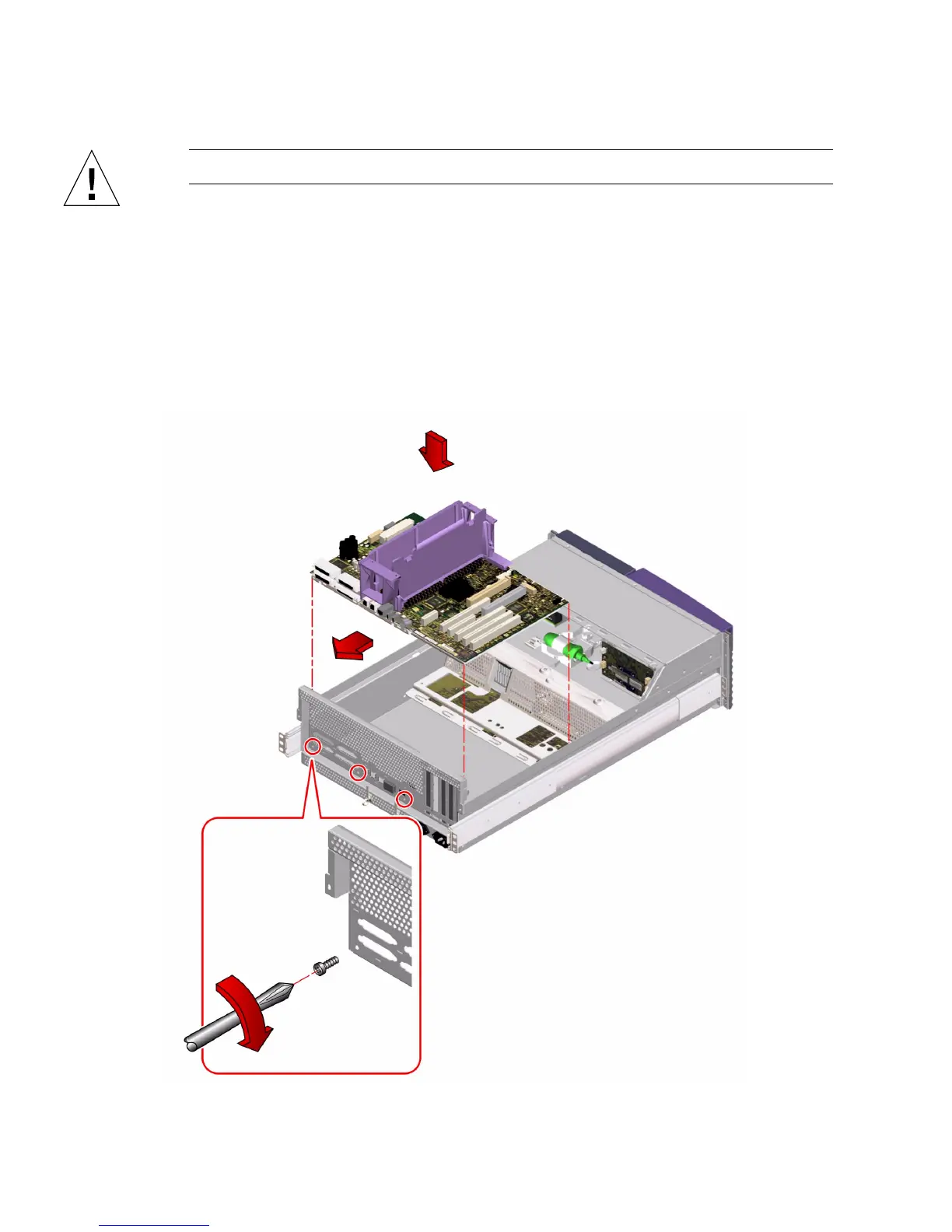
3. Position the replacement main logic board in the chassis.
Align the notches on the sides of the board with the corresponding tabs on the
chassis.













 To Next Page