Chapter 4 Removing and Replacing Backplanes and Cables 121
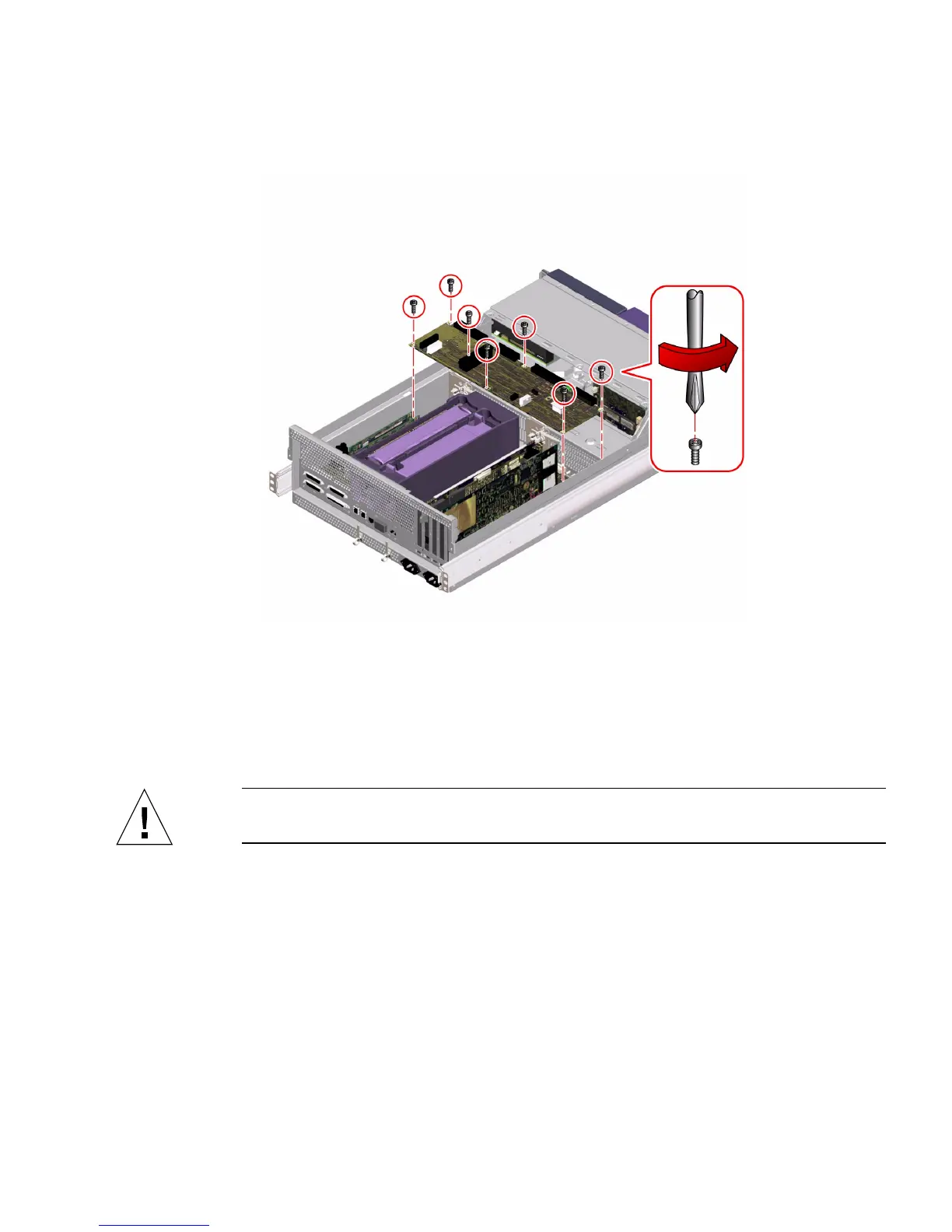
5. Remove the seven screws securing the power distribution board to the chassis.
6. Adjust the cable connected to the center AC power connector assembly so that it
does not interfere with lifting the power distribution board out of the chassis.
7. Lift the power distribution board out of the chassis.
Tilt the rear of the power distribution board forward 20 to 30 degrees from the
chassis and lift the board out toward the back of the system.
Caution – Be careful not to damage the main logic board when lifting the power
distribution board out of the chassis.
8. Place the power distribution board on an antistatic mat.
What Next
To replace the power distribution board, complete this task:
■ “How to Replace the Power Distribution Board” on page 122













 To Next Page