148 Sun Fire 280R Server Service Manual • January 2001
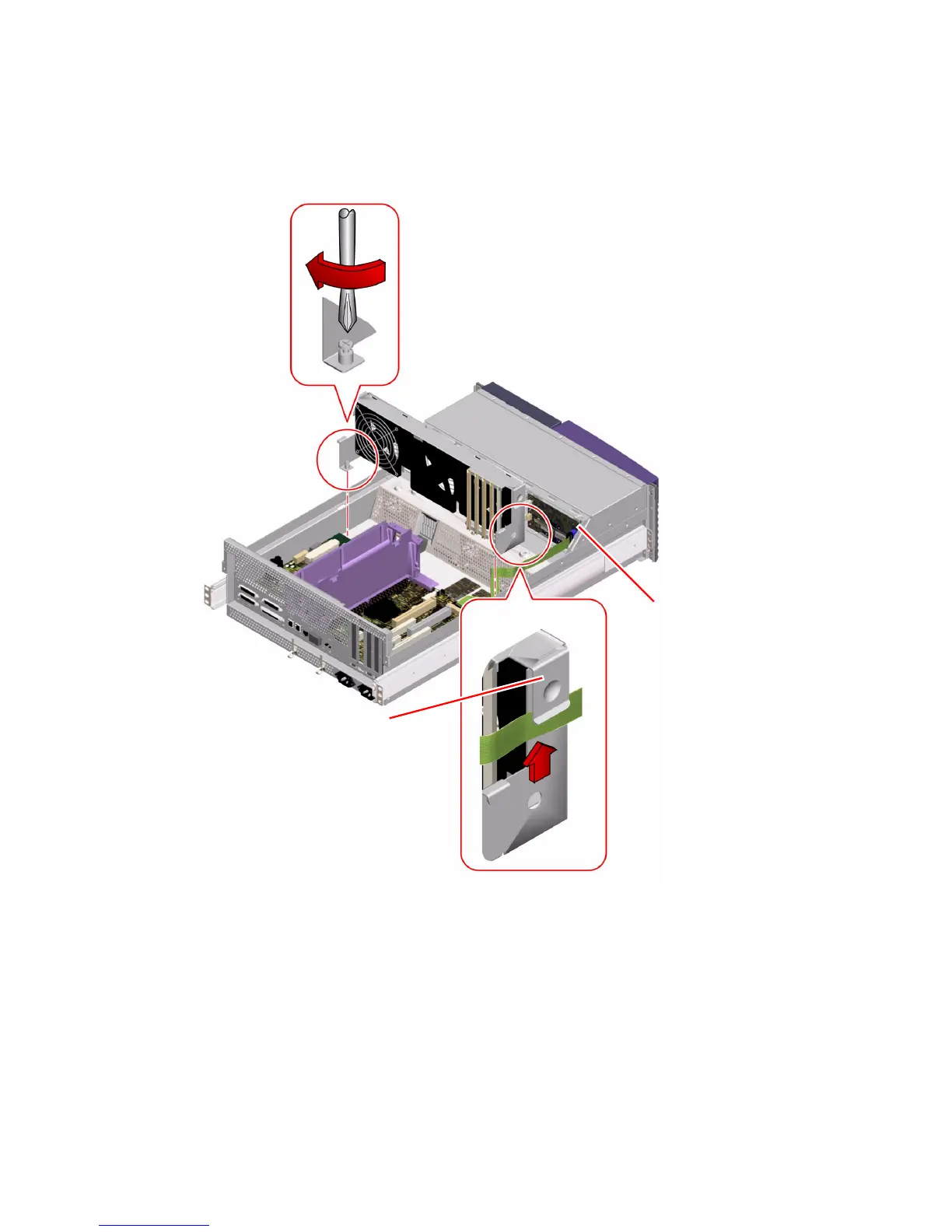
5. Tighten the two captive Phillips screws securing the fan tray assembly to the
chassis.
6. Connect the SCSI cable connector to the removable media SCSI connector.
Route the SCSI cable under its clip on the fan tray assembly. Be careful not to
damage the cable.
7. Connect the FC-AL cable connector to J0102 on the FC-AL backplane.
Route the FC-AL cable under its clip on the fan tray assembly. Be careful not to
damage the cable.
J0102
Fan tray clip













 To Next Page