Chapter 2 Servicing the Main Logic Board and Components 45
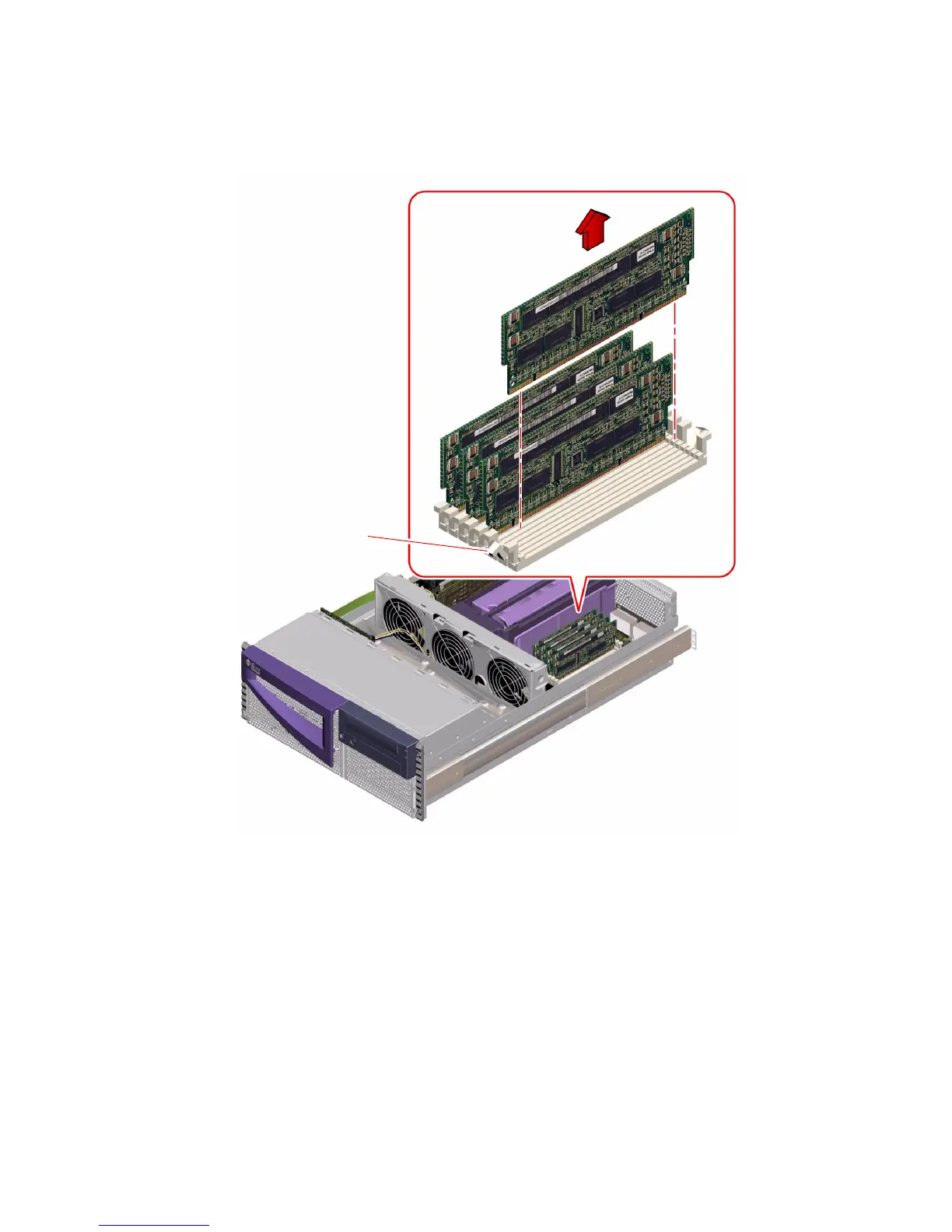
3. Grasp the top corners of the memory module and pull it up and out of its socket.
4. Place the module on an antistatic mat.
5. Repeat Step 1 through Step 4 for each memory module being removed.
What Next
To install a memory module, complete this task:
■ “How to Install a Memory Module” on page 46
Ejection lever













 To Next Page