Chapter 2 Servicing the Main Logic Board and Components 49
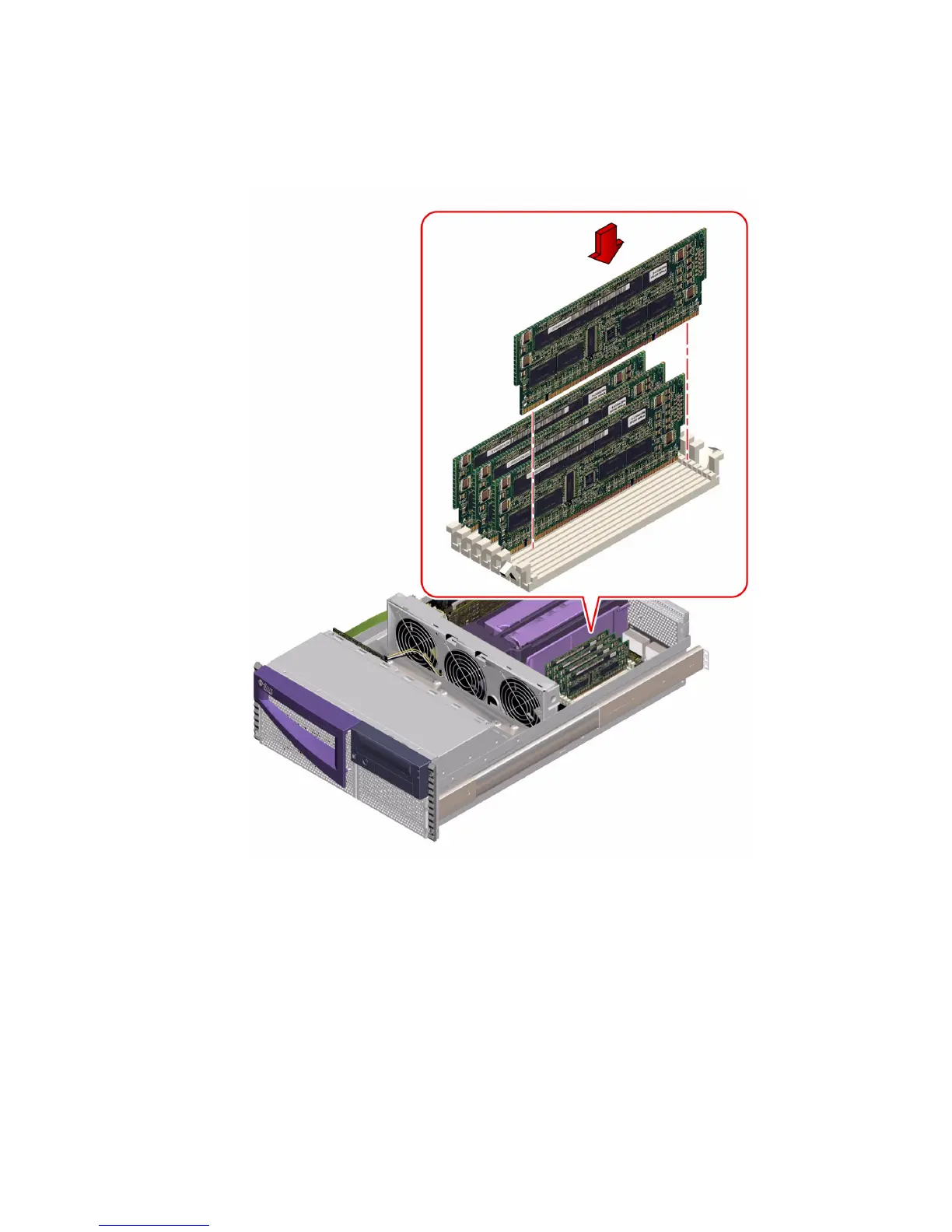
3. Align the notches in the module connector with the notches in the slot, until the
module contacts the socket evenly along the socket’s length.
4. Press down firmly on both corners of the module until the bottom edge is fully
seated in the socket and the levers click into place.
You will hear a clicking sound when the module is fully seated.
5. Repeat Step 1 through Step 4 for each module you want to install.
Make sure that you install modules in all four slots of group 0 or group 1.













 To Next Page