Chapter 2 Servicing the Main Logic Board and Components 73
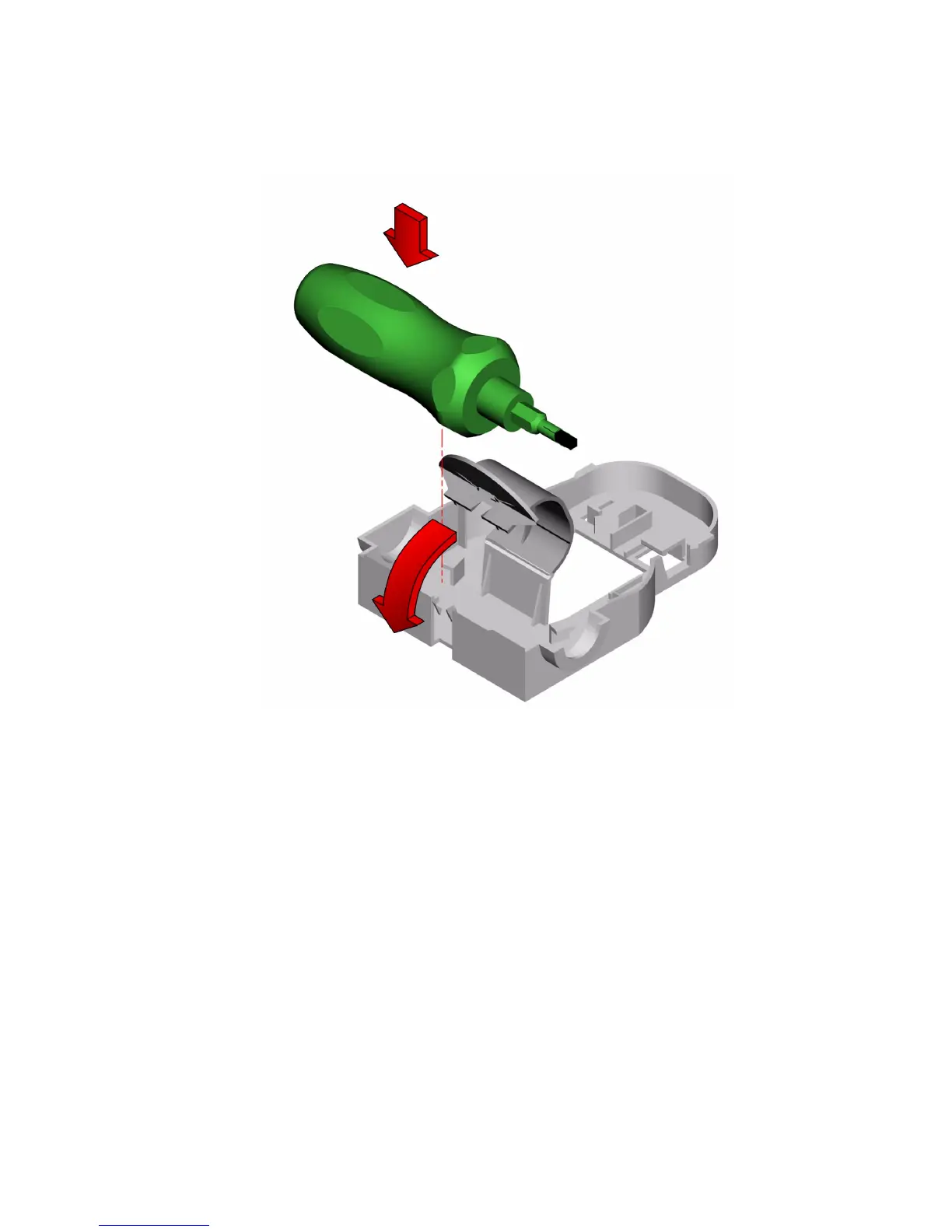
6. Mount the torque screwdriver into its holder inside the chassis.
What Next
To reassemble the system, complete these tasks:
■ “How to Replace the Air Guide” on page 81
■ “How to Replace the System Cover” on page 33
When you are ready to restart the system, be sure to run OpenBoot Diagnostics tests
to verify that the system functions correctly with the new parts you have just
installed. For additional information, see:
■ “About OpenBoot Diagnostics Tests” on page 166













 To Next Page