Chapter 4 Maintaining the Sun Fire V40z Server 4-21
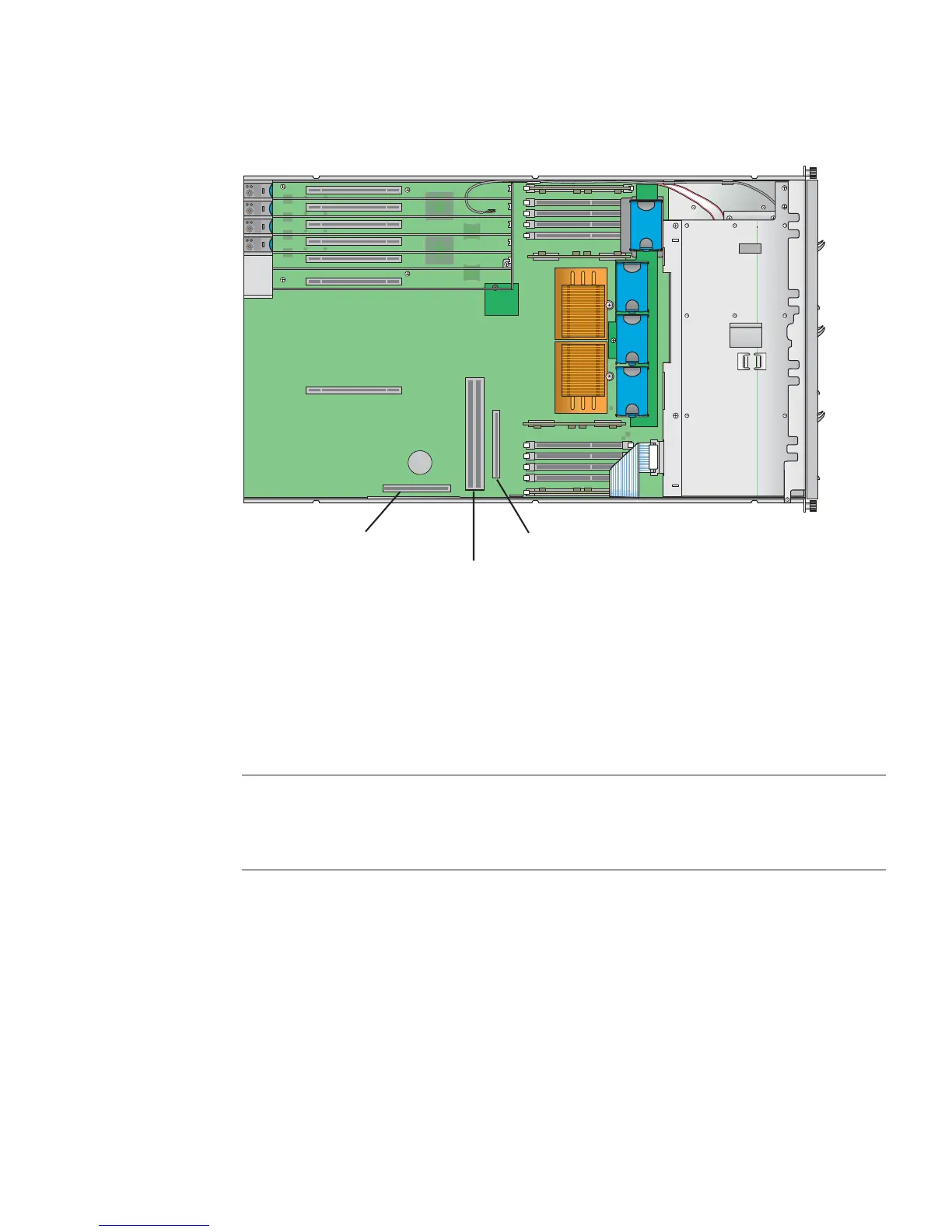
FIGURE 4-11 SCSI Signal Cable and Connector (Updated Release of Sun Fire V40z Server)
4.5.2 SCSI Hard Disk Drive and Carrier
The following procedure describes how to remove and replace a SCSI hard disk
drive (HDD) and carrier.
Note – SCSI HDDs are hot-pluggable in integrated-mirroring (IM) configurations.
See “Integrated Mirroring” on page D-2 for more information.
See also “SCSI ID Assignments” on page 4-5.
4.5.2.1 Removing an HDD and Carrier
1. Power off the system as described in “Powering Off the Server and Removing the
Cover” on page 4-2.
It is not necessary to remove the cover for this procedure.
2. Squeeze the release latch and carefully swing the arm to the left as far as it will go
(see
FIGURE 4-12).
System
Battery
SCSI Connector B
SCSI Connector A
Horizontal PCI Slot
Connector for power-supply cage












 To Next Page