4-68 Sun Fire V20z and Sun Fire V40z Servers—User Guide • March 2005
4.5.14.2 Remove and Replace the Cables
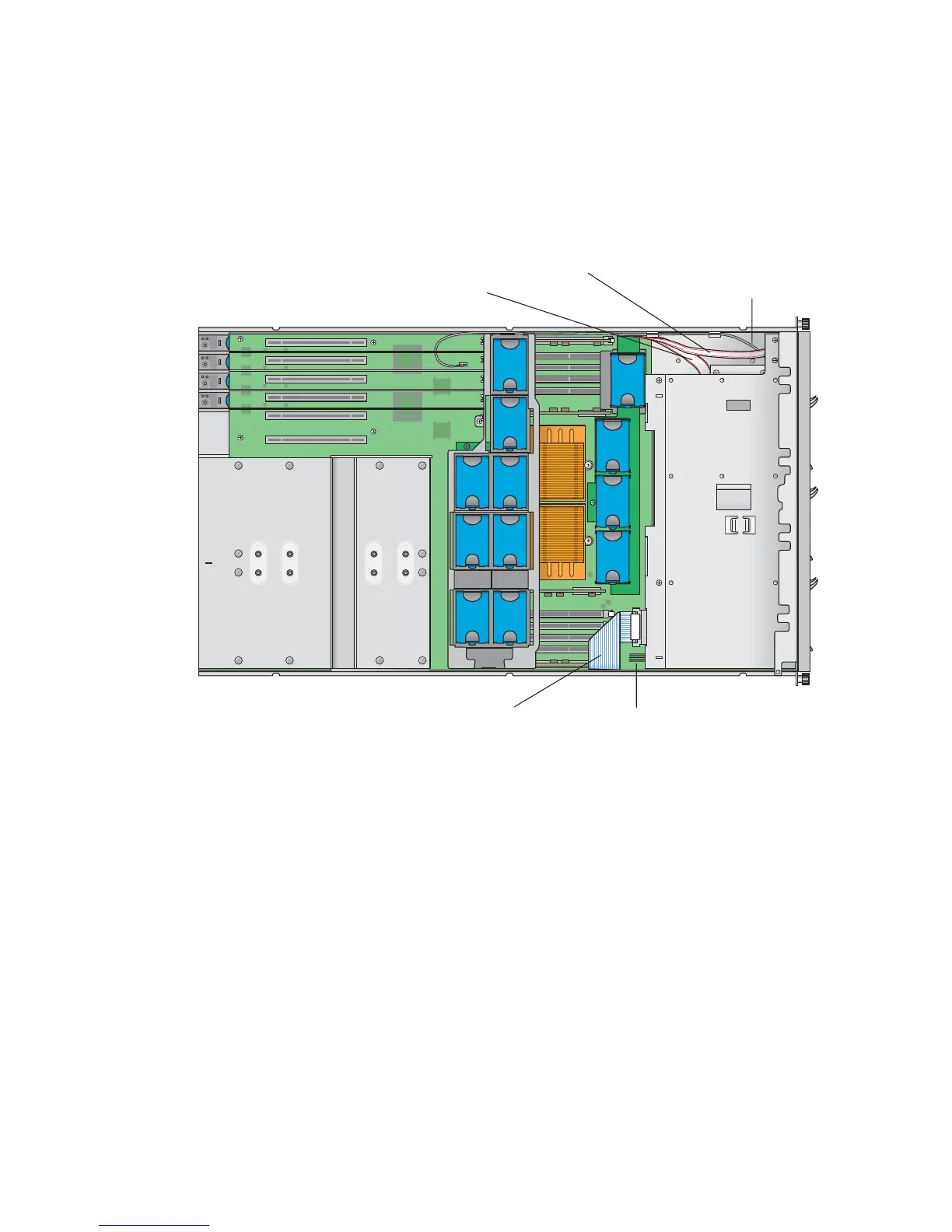
You are now ready to remove and replace the system cables. Identify the cable to be
replaced (see
FIGURE 4-39 for the location).
FIGURE 4-39 System Cables in the Sun Fire V40z Server
(3) DVD-ROM/ Diskette
Drive assembly cable
(1) SCSI signal cable
(5) Internal USB cable
(2) SCSI backpanel power cable
(4) Operator-panel board cable











 To Next Page