4-64 Sun Fire V20z and Sun Fire V40z Servers—User Guide • March 2005
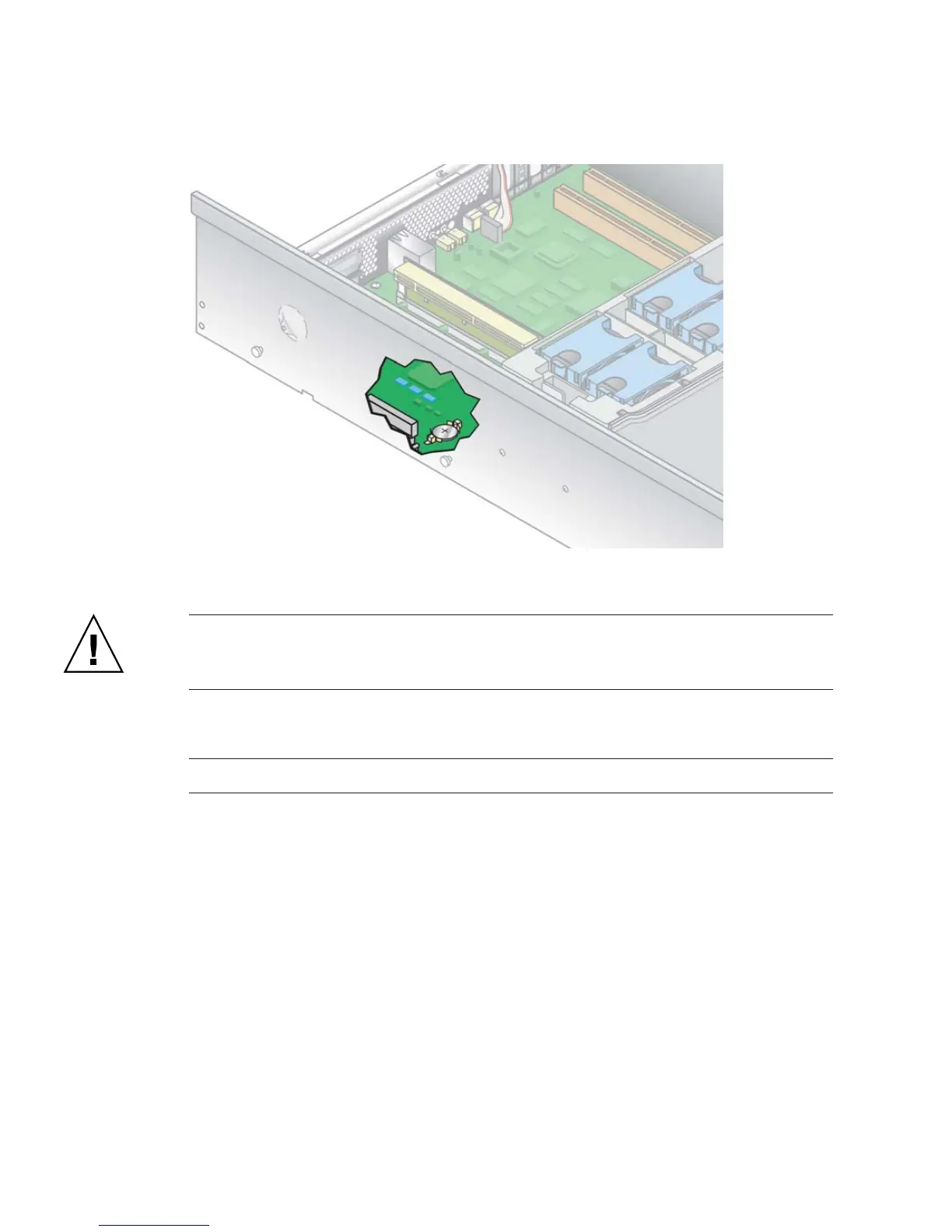
FIGURE 4-38 Removing the System Battery
Caution – Do not dispose of the battery with regular waste. Discard used batteries
according to the manufacturer’s instructions or contact your local waste-disposal
agency for the location of the nearest battery deposit site.
4. Install the new system battery into the holder with the side labeled “+” facing up.
Note – Replace the battery only with the identical model.
5. Re-install the power-supply cage assembly: see “Replacing a Power-Supply Cage
Assembly” on page 4-39.
6. Before re-installing the cover on the server, check the routing of all cables for
obstructions.











 To Next Page