Chapter 6 Install Windows Server 2003 39
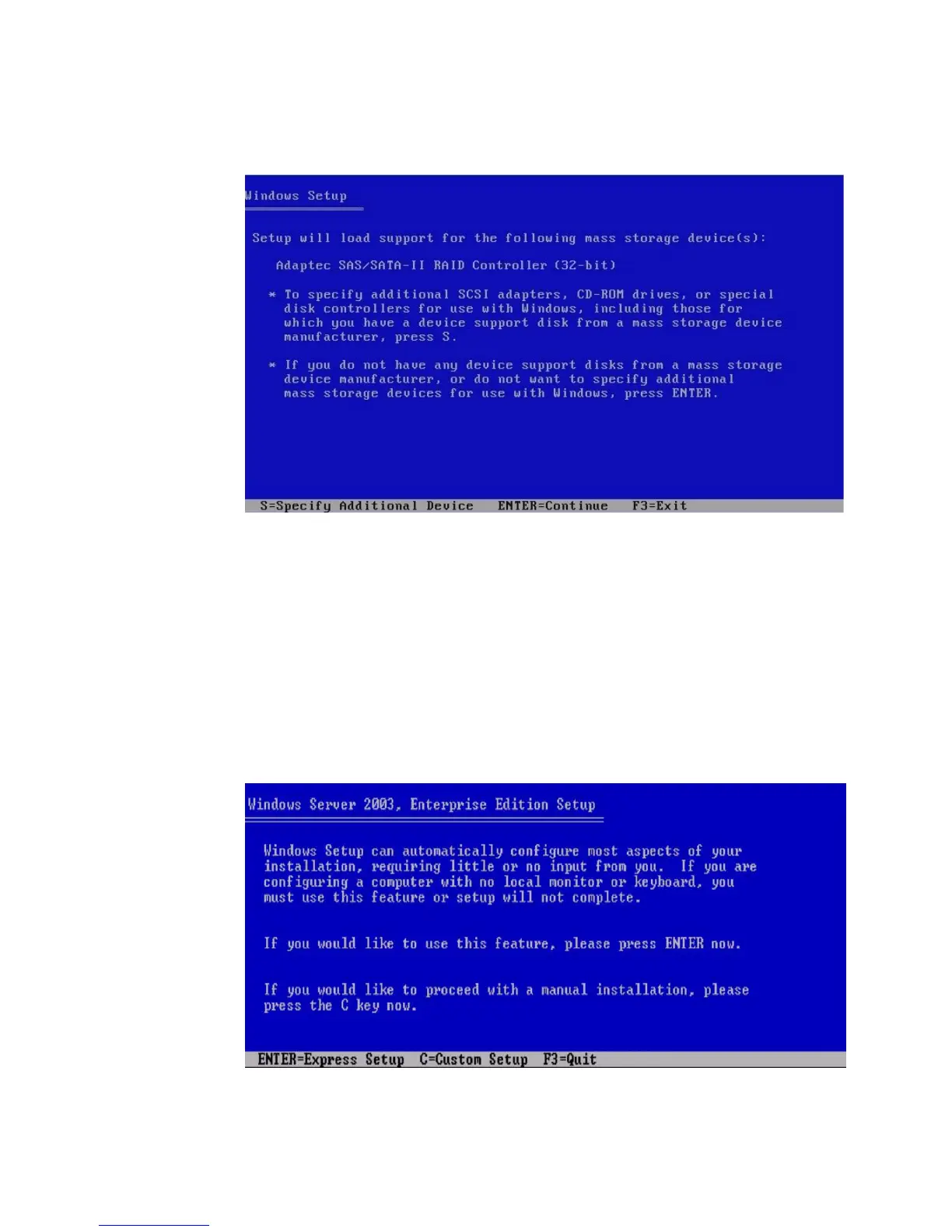
FIGURE 6-6 Specify Additional Devices Screen Example
12. At the Welcome to Setup screen, press Enter to continue.
The Setup Selection screen is displayed.
13. Select a setup mode (Express or Custom) and continue.
If you created a RAID volume on your boot disk as part of your prerequisite
preparations for installing Windows, press C to select Custom Setup and
manually partition the disk. Make sure to reserve a minimum of 200 MB of
unpartitioned space at the end of the drive. Otherwise, press Enter to select
Express Setup.
FIGURE 6-7 Select Setup Screen














 To Next Page