2 Product Introduction User Manual
6
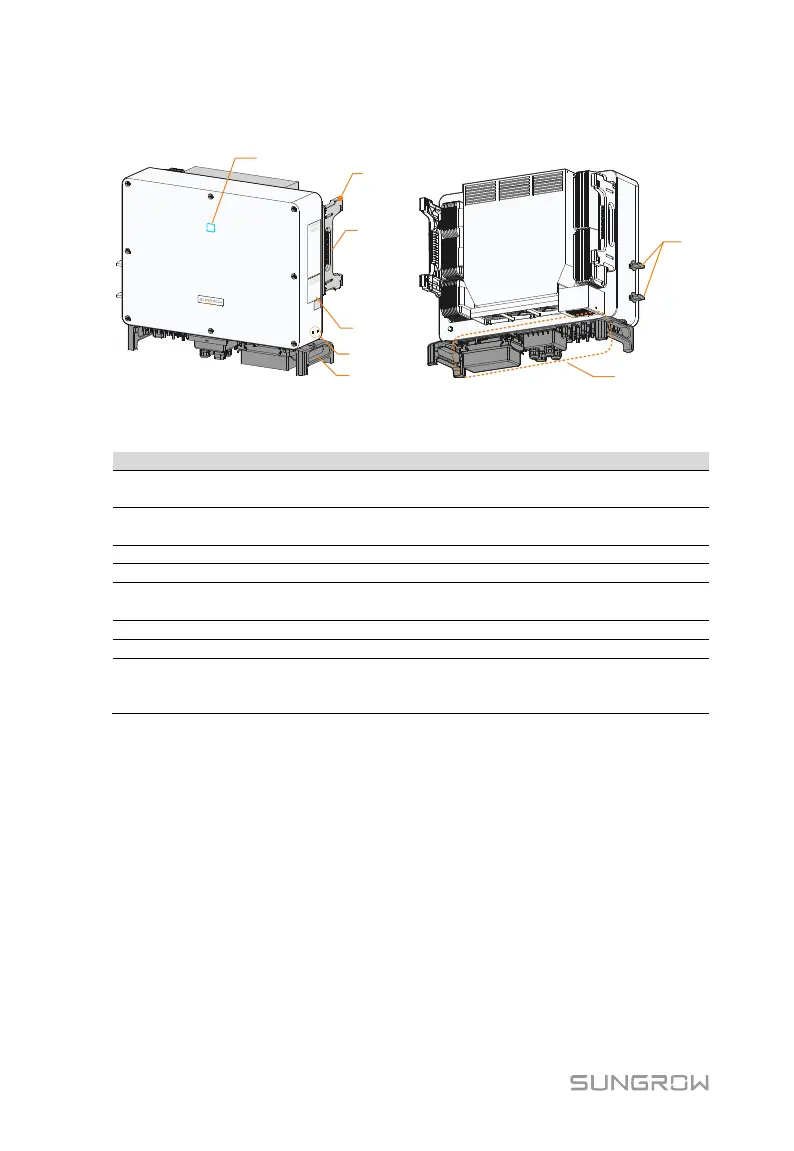
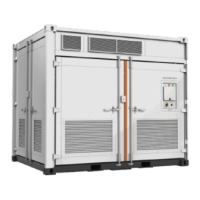
2.2.2 Appearance
*The image shown here is for reference only. The actual product you receive
may differ.
HMI interface to indicate the present working state
of the inverter.
4, used to hang the inverter onto the
mounting-bracket.
2, used to move the inverter.
Warning symbols, nameplate, and QR code.
Additional
grounding terminals
2, use at least one of them to ground the inverter.
2, used to move the inverter.
To disconnect the DC current safely.
DC switches, AC terminals, DC terminals, and
communication terminals.
For details, refer to 5.2 Terminal Description





 To Next Page