
 Need help?
Do you have a question about the SunSynk SYNK-16K-SG01LP1 and is the answer not in the manual?
Basic safety precautions for device installation and operation.
Explanation of warning symbols and their meanings.
Guidelines for environmentally friendly disposal of the product.
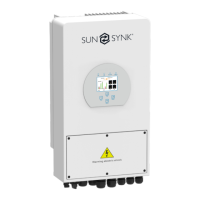
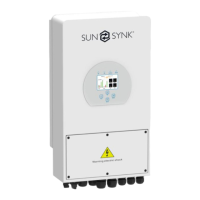
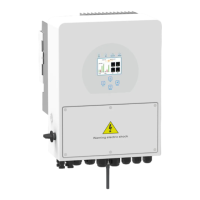
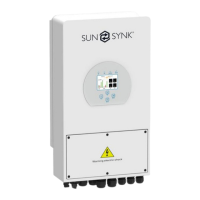
General description and features of the inverter.
Safety protection features.
List of components included in the package.
Factors for optimal inverter placement.
Critical safety warning for battery connection.
Guidance on surge protector selection and installation.
Criteria for choosing PV modules.
Connection details for CHINT meters.
Connection details for Eastron meters.
Procedures for turning the inverter on/off.
Meaning of status LEDs.
Description of control buttons.
Accessing and understanding status information.
Initial setup and configuration.
Important note on lithium battery compatibility.
Configuring operating modes.
Explanation of grid parameters.
Actions for setting up parallel inverters.
Display of solar power production data.
Actions for configuring auxiliary loads.
Description of basic operation.
Solution for DC overcurrent faults.
Solution for AC leakage faults.
Solution for DC insulation faults.
Steps for powering on/off.
Connection details for RS232 protocol.
 General
| Model | SYNK-16K-SG01LP1 |
|---|---|
| Rated Power | 16000W |
| Max. DC Input Power | 20800W |
| Max PV Input Voltage | 1000V |
| Number of MPPTs | 2 |
| Max AC Output Power | 16000W |
| AC Frequency Range | 50/60Hz |
| Weight | 45kg |
| Cooling Method | Smart Cooling |
| Battery Voltage | 48V |
| Operating Temperature | -25°C to 60°C |
| AC Output Voltage | 230V |
| Max. Efficiency | 98.2% |
| Peak Efficiency | 98.5% |
| Communication | RS485 |





 To Next Page