Supermicro X11SAE/X11SAE-F Motherboard User’s Manual
4-40
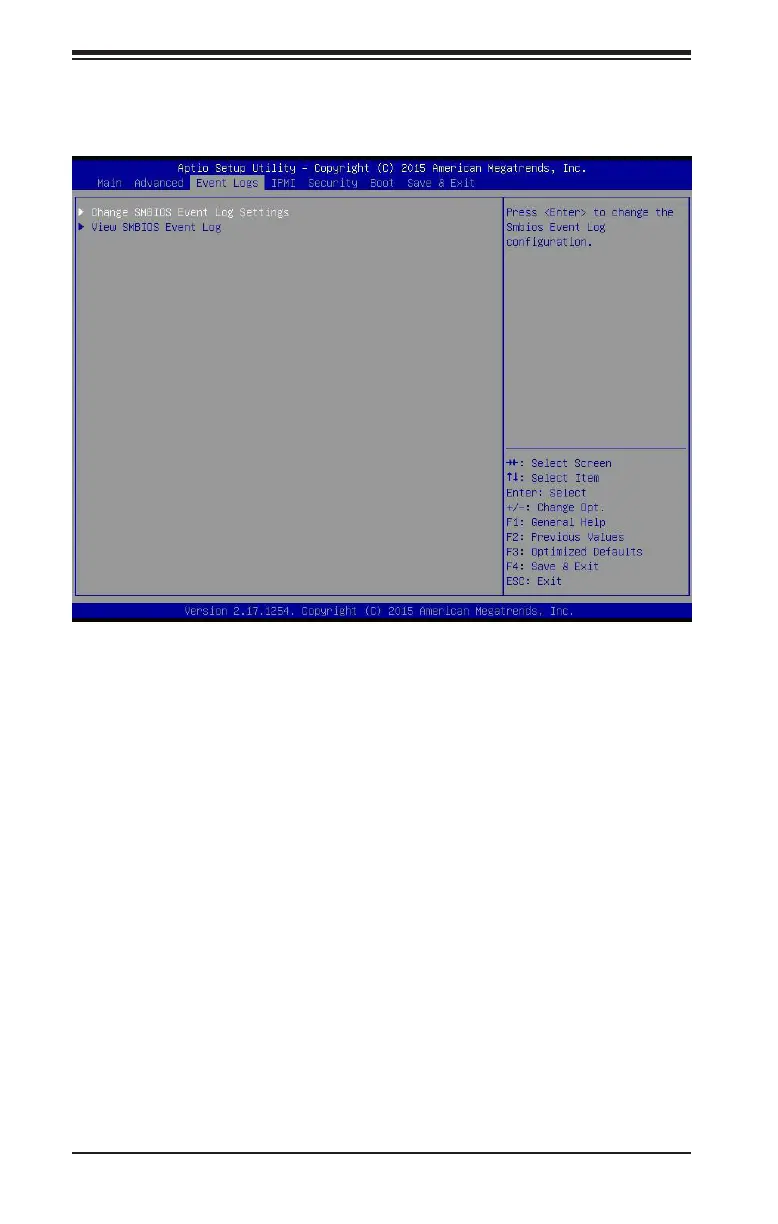
4-4 Event Logs
Use this feature to congure Event Log settings.
Change SMBIOS Event Log Settings
Enabling/Disabling Options
SMBIOS Event Log
Change this item to enable or disable all features of the SMBIOS Event
Logging during system boot. The options are Enabled and Disabled.
Erasing Settings
Erase Event Log
If No is selected, data stored in the event log will not be erased. Select
Yes, Next Reset, data in the event log will be erased upon next system
reboot. Select Yes, Every Reset, data in the event log will be erased
upon every system reboot. The options are No, Yes, Next reset, and
Yes, Every reset.
When Log is Full
Select Erase Immediately for all messages to be automatically erased
from the event log when the event log memory is full. The options are
Do Nothing and Erase Immediately.


 To Next Page