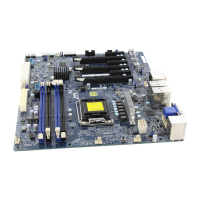
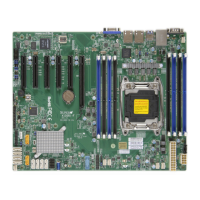
Supermicro X11SAE/X11SAE-F Motherboard User’s Manual
4-26
IPv6 PXE Support
Select Enabled to enable IPv6 PXE boot support. The options are Enabled
and Disabled.
PXE boot wait time
Use this option to specify the wait time to press the ESC key to abort
the PXE boot. Press "+" or "-" on your keyboard to change the value.
The default setting is 0.
Media detect count
Use this option to specify the number of times media will be checked.
Press "+" or "-" on your keyboard to change the value. The default
setting is 1.
Super IO Configuration
The following Super IO information will display:
• AMI SIO Driver Version
Super IO Chip Logical Device(s) Conguration
Serial Port 1
Serial Port 1 Conguration
This submenu allows the user the congure settings of Serial Port 1.
Serial Port 1
Select Enabled to enable the selected onboard serial port. The options
are Enabled and Disabled.
Logical Device Settings
This item displays the status of a serial part specied by the user.
Serial Port 1 Change Settings
This feature species the base I/O port address and the Interrupt Request
address of a serial port specied by the user. Select Auto to allow the
BIOS to automatically assign the base I/O and IRQ address.
The options for Serial Port 1 are Use Automatic Settings, (IO=3F8h;
IRQ=4; DMA), (IO=3F8h; IRQ=3, 4, 5, 6, 7, 9, 10, 11, 12; DMA),
(IO=2F8h; IRQ=3, 4, 5, 6, 7, 9, 10, 11, 12; DMA), (IO=3E8h; IRQ=3,
4, 5, 6, 7, 9, 10, 11, 12; DMA), and (IO=2E8h; IRQ=3, 4, 5, 6, 7, 9,
10, 11, 12; DMA).



 To Next Page