Sutron Corporation Satlink Operations & Maintenance Manual, Rev 8.04.2 11/3/2016 pg. 43
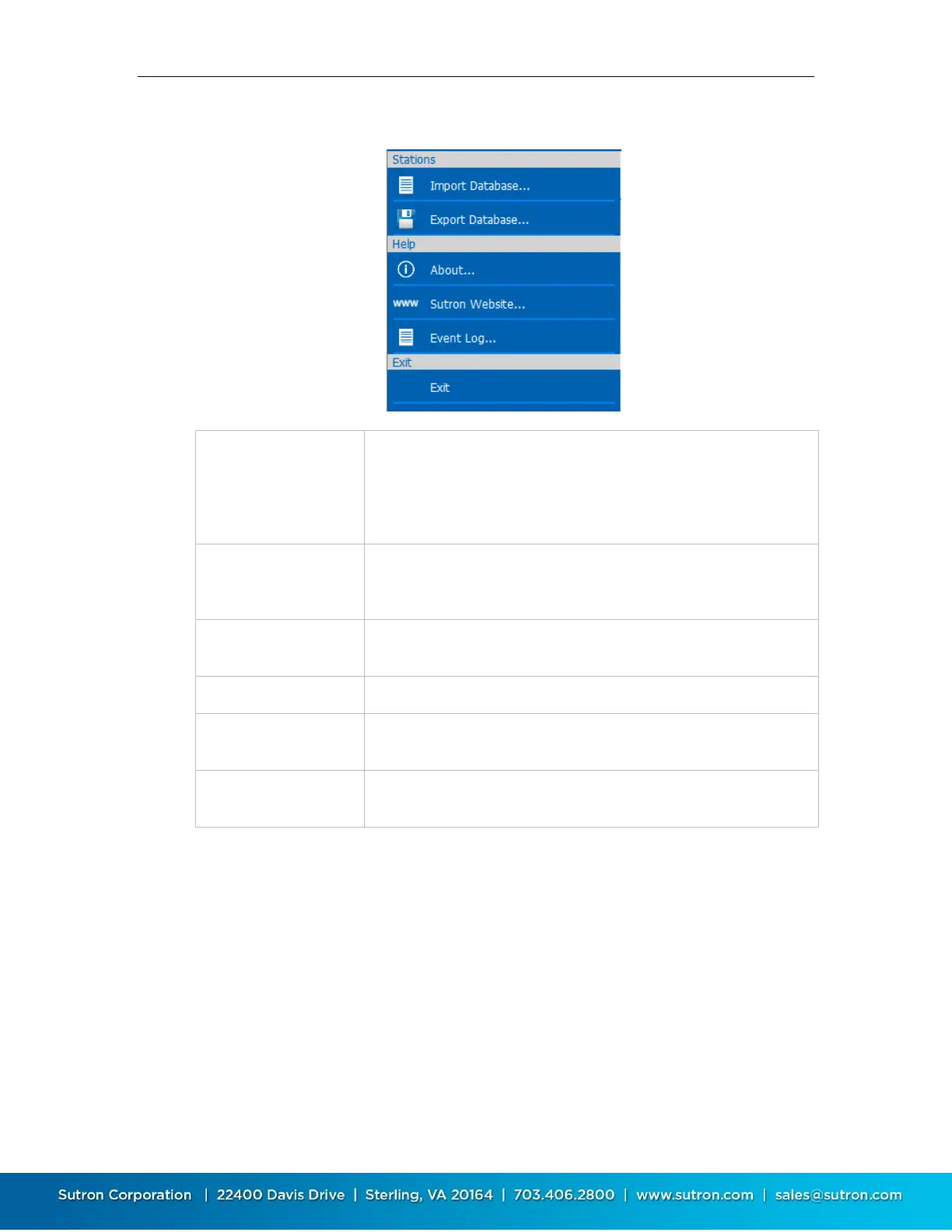
The following menu is displayed in the Stations List View:
Import a stations database previously saved using “Export
Database…” Note that this will overwrite all existing station
definitions with those from the imported database. The action
cannot be undone., You may want to export the current database,
just in case you need to restore it
Export all station definitions to a database file. You can then use
“Import Database…” on another PC or mobile device to import the
station definitions.
Display a dialog showing information about LinkComm, including
version
Show LinkComm event log. This is a text file showing diagnostic
information about LinkComm operation.
Exit and close the LinkComm application. This item is not displayed
when running on mobile platforms



 To Next Page