Sutron Corporation Satlink Operations & Maintenance Manual, Rev 8.04.2 11/3/2016 pg. 88
Offset as 1, the final reading would be 11 (2*5 + 1). The raw reading would be 2. If Details is
enabled, the raw reading is displayed on the command line by typing MEAS or LAST.
Satlink offers easy ways to change the current reading of the measurement by modifying just the
offset or both the slope and offset via the calibration functions.
9.4.3. Use Equation
Select “Use Equation” to allow an entry of the equation in the box below it. See the next section
for examples.
9.4.4. Equation
Data collected from sensors to be processed by an equation. If the reading provided by the
sensor needs more than just an offset and a slope applied, equations provide that functionality.
The field Use Equations can be set to enabled or to disabled. It determines whether equation
processing is to be applied to the raw data. The field Equation can be set to an ASCII string no
longer than 128 bytes (per measurement). That field contains the equation to be applied.
If both Equations and Slope and Offset are used, Slope and Offset are applied after the equation
is processed.
For example, to convert Fahrenheit to Celsius, type into command line:
M1 EQUATION = (X-32.0)*5/9
In the example above, X refers to the sensor reading.
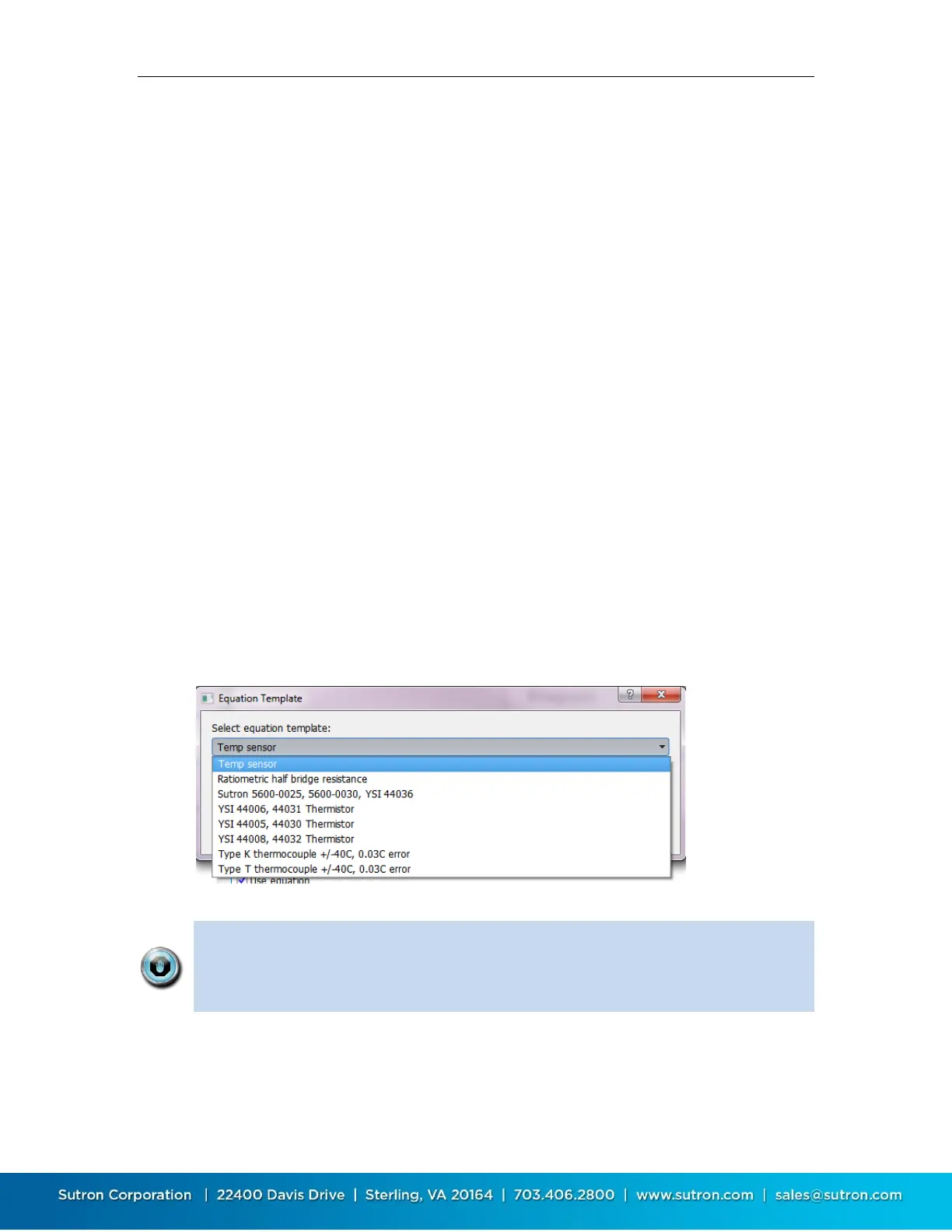
LinkComm comes preloaded with equations for many types of sensors. To see the equations,
press “Template…” and then select the desired equation from the dropdown box.
Equation processing can take a while to complete (up to several seconds). If
you are using a lengthy equation, Satlink may not be able to complete a
measurement every second, or even every two seconds (see Bad Schedule in
the Error section).
9.4.5. Equations: Syntax
The equation is expressed in terms of "X" which will be applied to incoming sensor data.
The expression is not case sensitive.



 To Next Page