19
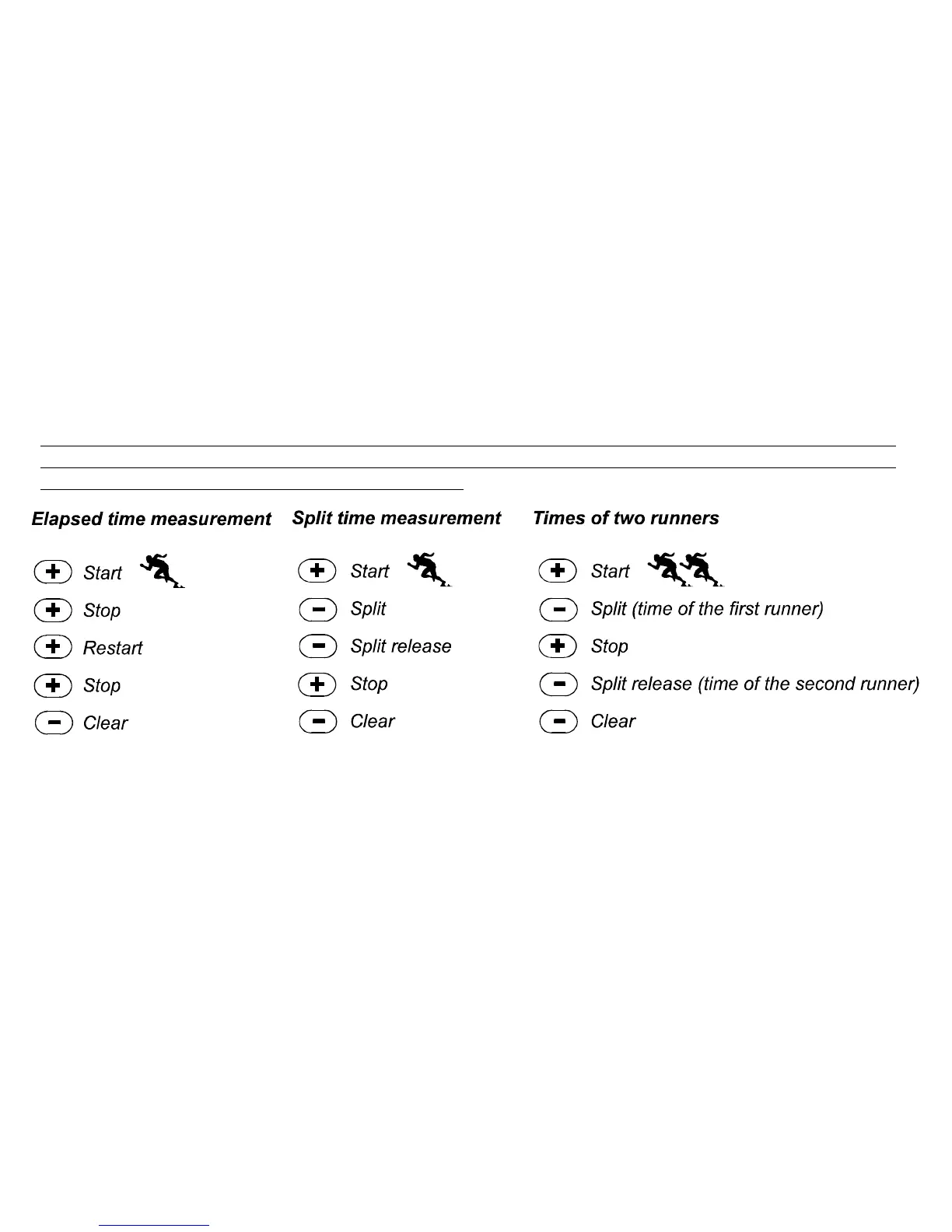
In the two finish time mode:
1. PRESS the [+] button to start the stopwatch.
2. PRESS the [-] button once to stop the stopwatch to display the finish time of the first person.
3. PRESS the [+] button to stop the stopwatch.
4. PRESS the [-] button a second time to release and display the finish time of the second person.
5. PRESS the [-] button to clear and to reset the stopwatch.
Note: When the stopwatch function is activated, the stopwatch will continue and remain in the
background if the user is in other modes or sub modes. The user can identify the stopwatch is still
activated by the flashing text stopwatch in Field
Graphic Illustration: How to use the stopwatch feature
COUNTDOWN TIMER MODE
In the TIME mode, PRESS the [Select] button three times to enter this sub mode.
In the countdown timer mode:
Field 1 displays the seconds,
Field 2 displays the current time, and
Field 3 displays the hour and minutes and to the bottom far right the text timer.



 To Next Page