The Playback Interface
Remember: After making changes to the settings press/click the APPLY button.
26
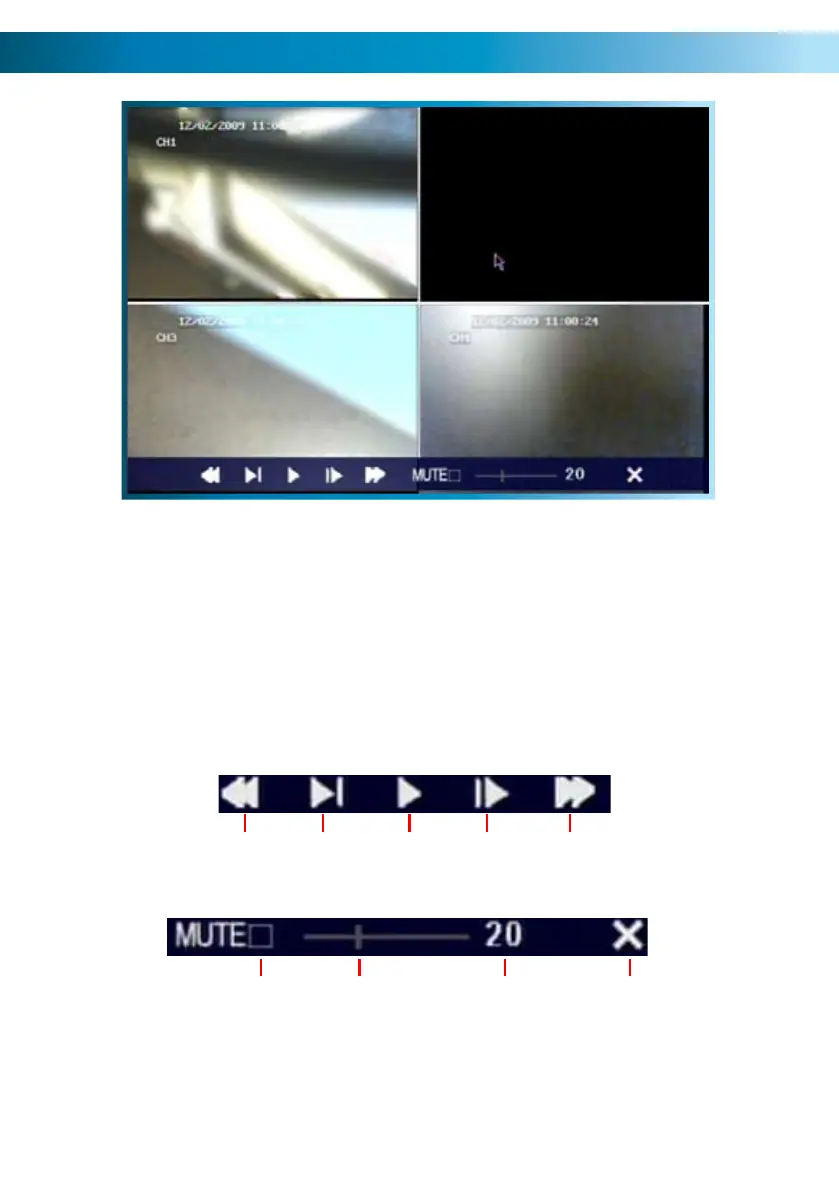
This is an example of the PLAYBACK interface,
currently playing back four channels simultaneously in quad view.
Channels 1, 3 and 4 were actively recording.
Channel 2 was not recording at this time - hence the display appears blank.
(The image content has been intentionally blurred.)
The playback controls are displayed across the bottom of the screen.
They are as follows:
Rewind Pause Fast
Forward
Play
Slow
Mute
Close
Playback
Volume
Bar
Volume
Level



 To Next Page