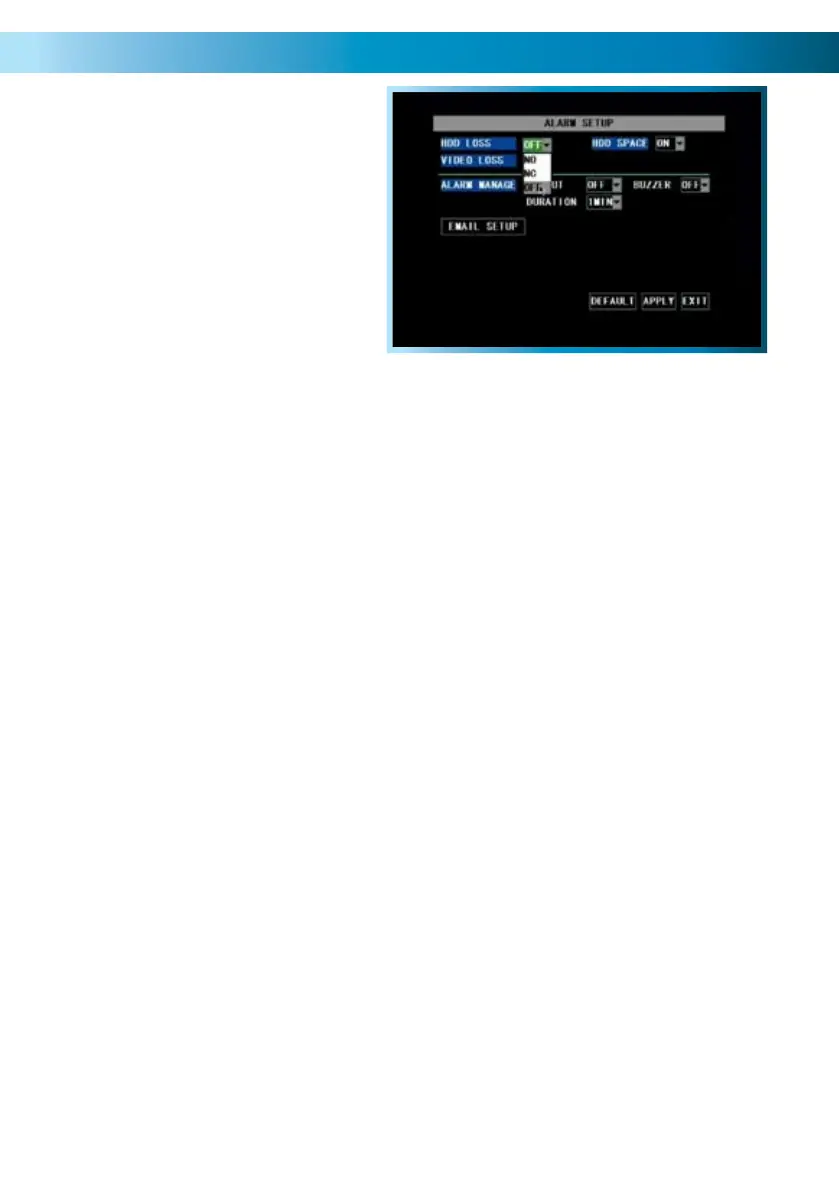
The Alarm Menu
Remember: After making changes to the settings press/click the APPLY button.
33
From this menu you can configure the
DVR to emit an alarm tone from it’s
internal buzzer, or configure the DVR to
send an ‘Auto-Mail’ email alert when
motion is detected or an alarm event
occurs.
HDD Loss: Will trigger an alarm/buzzer if the hard drive stops functioning.
HDD Space: Will trigger an alarm/buzzer when the hard drive is out of space.
Video Loss: Will trigger an alarm/buzzer when a camera stops supplying images.
Alarm Management: Here you can configure how the DVR will alert you in the
case of an alarm event. You can select whether the DVR attempts to sound an
internal buzzer, as well as how long this buzzer will be active.
Email Setup: See page 34.



 To Next Page