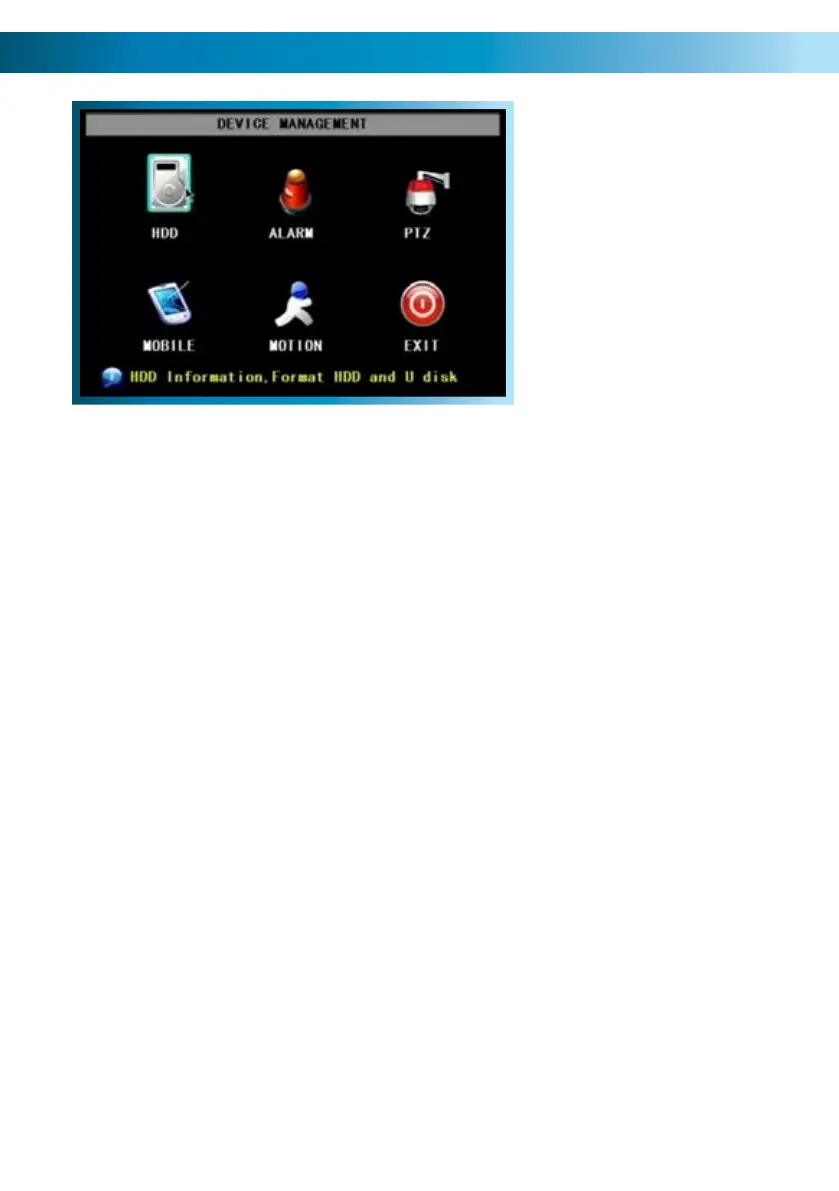
The Device Management Menu
This is the DEVICE MANAGEMENT
menu. Here you’ll find options to
customise and configure settings
for:
Your Hard Drive•
Alarm Settings•
PTZ (Pan, Tilt, Zoom) Devices•
Access from Mobile Devices•
Motion Detection•
HDD
For accessing information about your hard drive. This is where you go to correct
or analyze any problem with your hard drive. Additionally, you’ll be able to see at
a glance how much recording time you have left at your current quality settings,
as well as being able to format (erase all data from) the hard drive here. You can
format flash drives from this screen as well.
Alarm
For configuring the DVR’s alarm and auto-email settings. Also, this is where you
can configure external alarm sensors - this is recommended for advanced users
only.
PTZ
The setup window for configuring the DVR to act as a PTZ (Pan, Tilt, Zoom)
controller. Recommended for advanced users.
Mobile
For configuring the DVR to interface with mobile devices (such as an iPhone or
mobile devices running Microsoft Windows Mobile
®
or Symbian S60
®
3rd Edition
or higher) .
Motion
For setting up the motion detection features of the DVR. We suggest that motion
detection is, under most circumstances, the most practical recording method for
the DVR to employ.
Remember: After making changes to the settings press/click the APPLY button.
30



 To Next Page