Remote Access via Internet Explorer
To access the DVR remotely via Internet Explorer:
Open an 1. Internet Explorer window. If you do not have Internet Explorer you
can download it from the Microsoft website (www.microsoft.com).
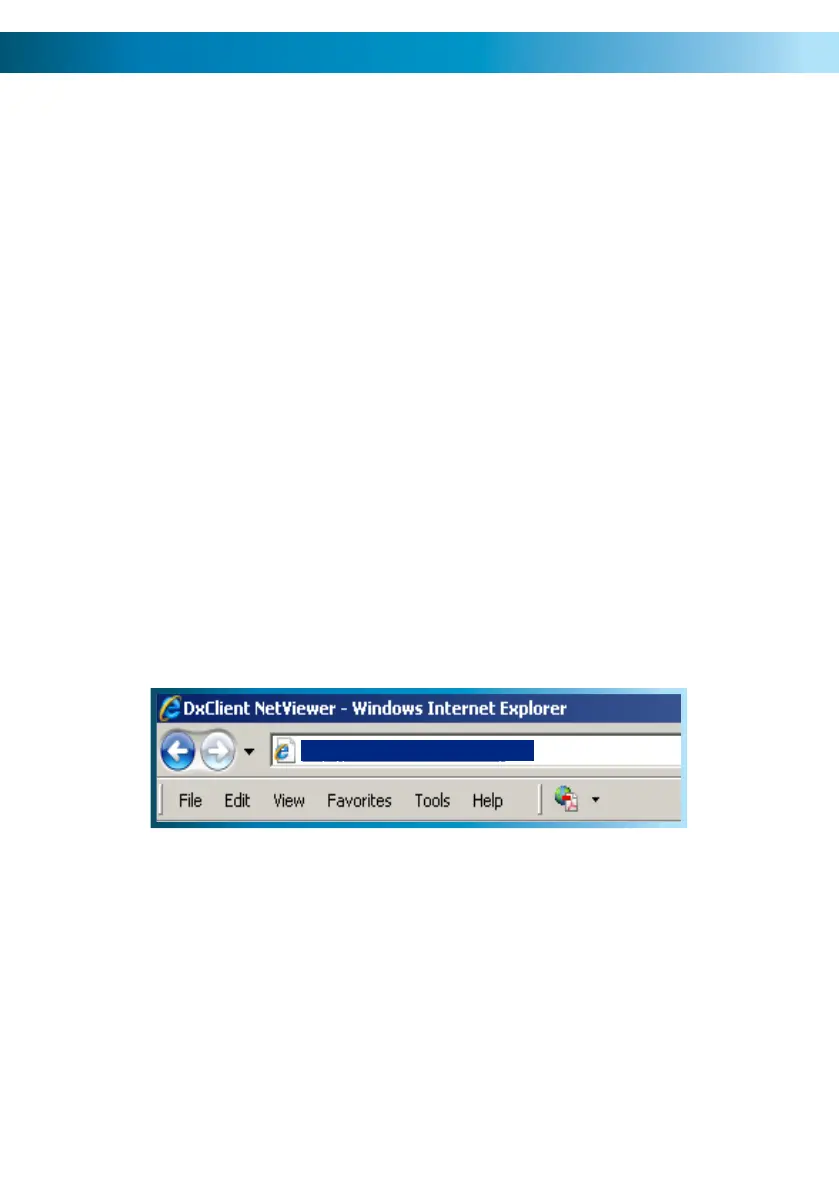
In the address bar type “http://” followed by your 2. public IP address, a colon
then your web port. For example, if your web port is “85” and your public IP
address is “210.9.10.115”, then you’ll need to enter:
You will now see a login window. Here, enter your password. If no password 3.
is set, leave this dialog box blank.
You should now have access to the DVR. 4.
http://210.9.10.115:85
The easiest way to access your DVR remotely is via an Internet browser. These
instructions will detail how to access the DVR via Microsoft Internet Explorer
®
.
This section assumes that you’ve already configured the DVR and your network to
operate properly. Remotely accessing the DVR via Internet Explorer (IE) is a great
way to test if your network is functioning as it should.
Note: You may have to alter and configure the ActiveX controls in IE to allow
unrestricted access to the DVR. Access might be slowed or blocked completely by
IE’s built-in security functions. The instructions on how to do this are covered on
the next page.
52



 To Next Page