16
Click for contents
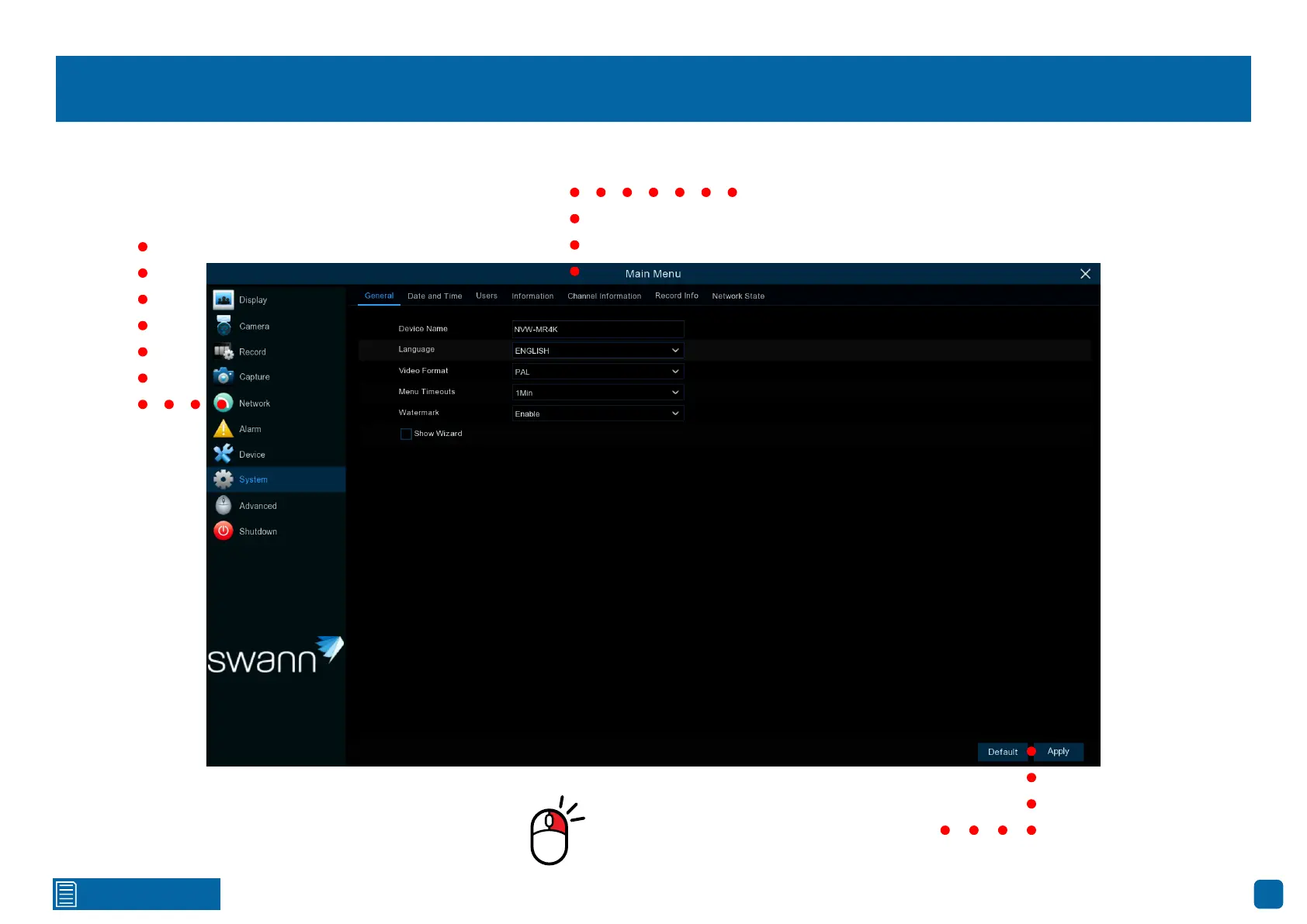
Menu Layout
The various functions and options
available, are categorized on the left-
hand side of the Menu.
Clicking each category will reveal several
tabs or sub-categories that can be changed
from their default setting.
To exit or access the previous
menu, right-click the mouse.
Save changes that have been
made or restore default settings.



 To Next Page