46
Click for contents
System: Users
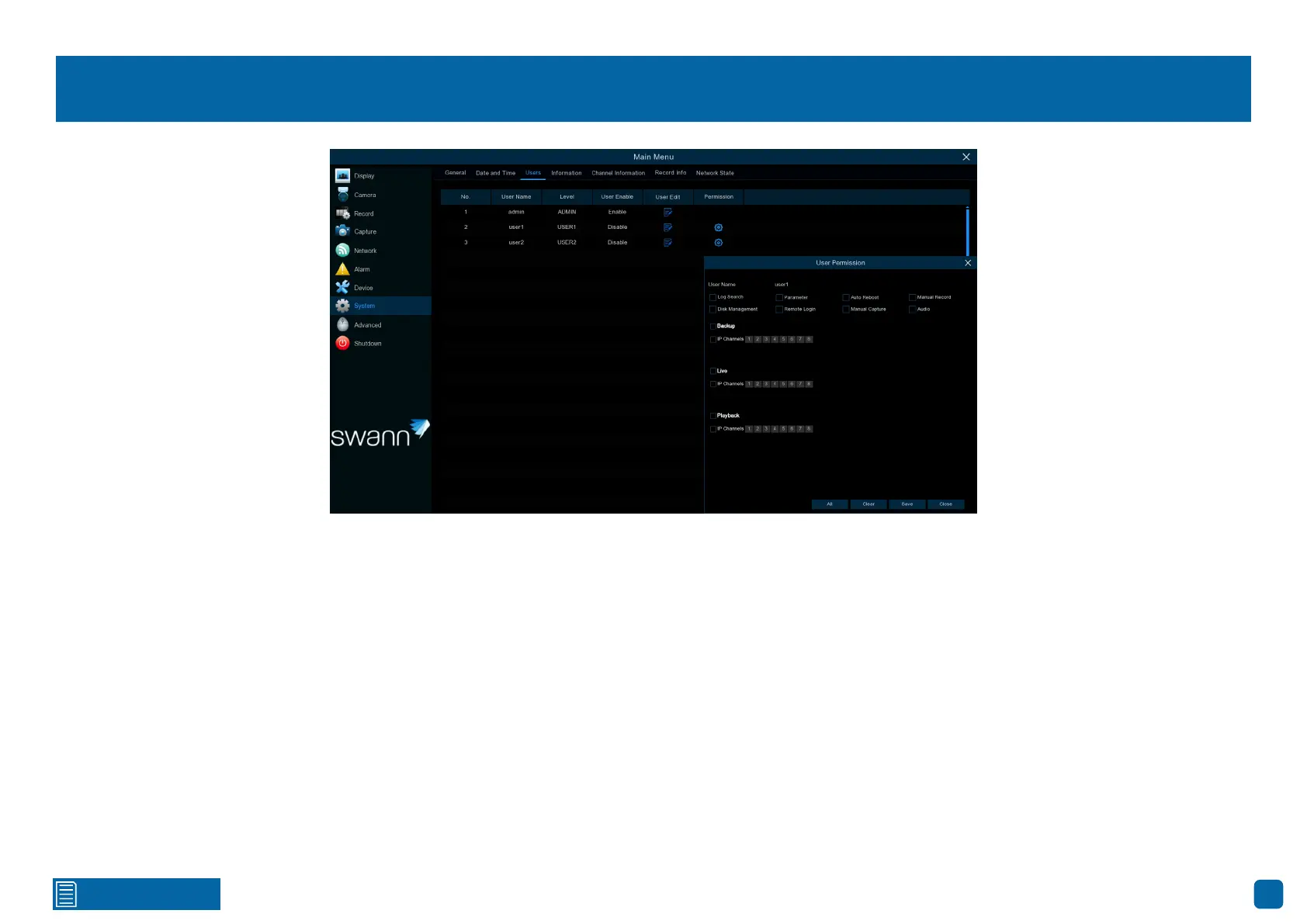
To change your Power Hub’s password, click the “Edit” button. The password
has to be a minimum of six characters and can contain a mixture of numbers
and letters. Enter your new password again to confirm.
Additional user accounts can also be enabled:
1. Select “user1”, then click the “Edit” button.
2. Click the drop-down menu to enable.
3. Enter a user name and password.
4. Click the “Save” button, enter the admin password, then click “OK” to con-
firm.
To change permissions, click the “Permission” button, then select which op-
tions you would like to enable (see inset above). Click the “All” button to select
all options. Click the “Save” button, then click “OK” to confirm.



 To Next Page