40
Click for contents
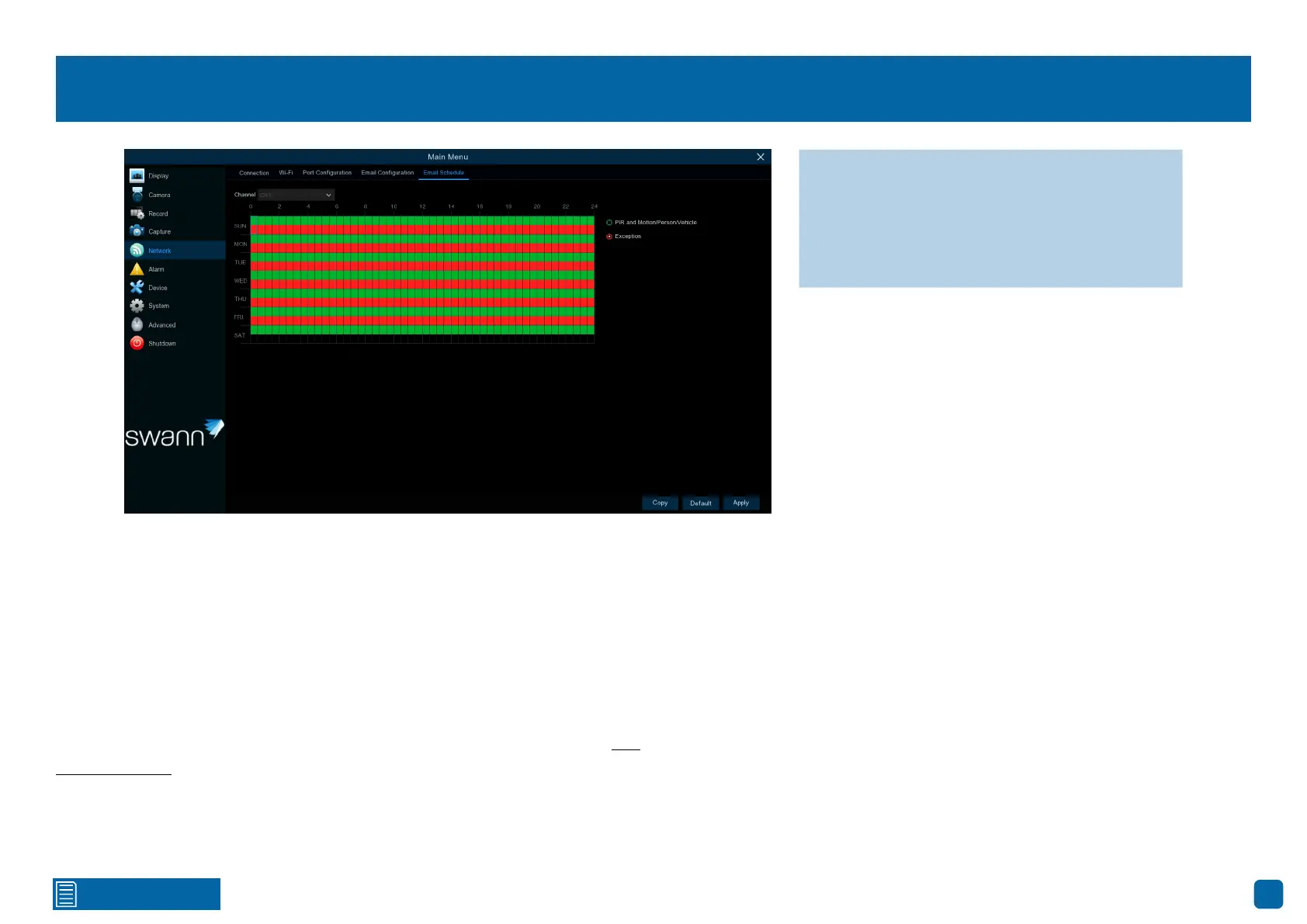
Network: Email Schedule
Channel: Select a camera that you would like to edit.
PIR and Motion/Person/Vehicle: If email alerts are enabled for motion de-
tection, you can change the schedule on when your Power Hub can send
those alerts. For example, you may only want to receive alerts during the day
but not in the evening. A different schedule can be created for each camera.
Exception: There are three event types that your Power Hub will detect as an
exception - no space left on the storage device, a storage device error, and if
one or more channels has lost the feed from its camera (see page 48 - Ad-
vanced: Events). We recommended to leave the default schedule in place in
case there is an exception that you need to be alerted to.
Each square represents 30 minutes. Using the mouse, click on a square to
change or click and drag the mouse over the squares corresponding to your
desired period.
→ Use the “Copy” function to apply all set-
tings to the other cameras connected.
→ Click “Default” to revert to default settings.
→ Click “Apply” to save settings.



 To Next Page