56
Click for contents
Event Playback & Backup
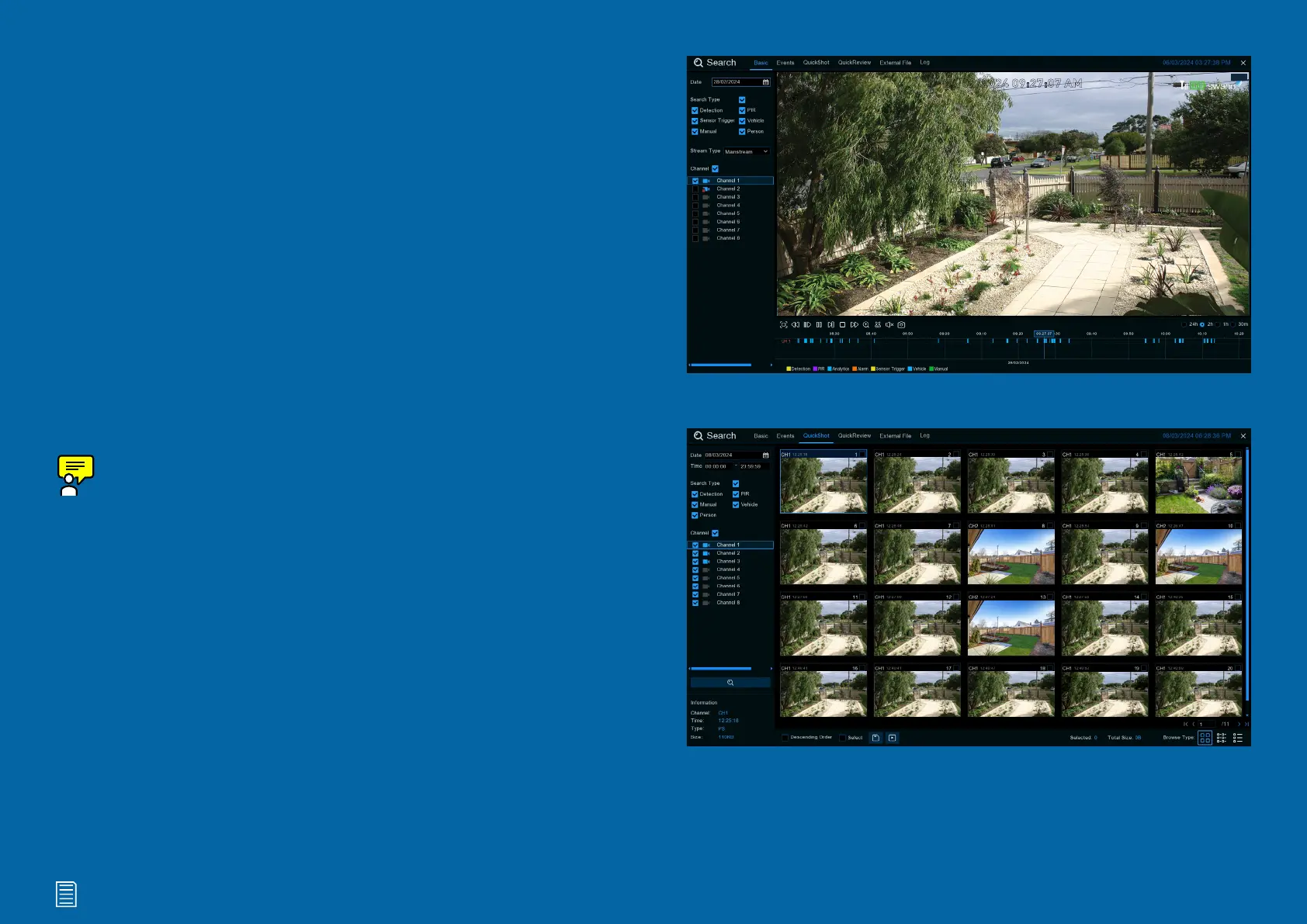
Search allows you to play recorded videos and
snapshots saved to your Power Hub’s stor-
age device. You can play video that matches
your recording schedule, analytic events, and
more. The Backup function allows you to save
wanted events to a USB flash drive.
Because battery-powered cameras have
limited power, your Power Hub gives priority
to the Mainstream stream when saving re-
corded events. It also records a Substream,
but sometimes events may not be recorded
in this way. That’s why when you’re looking
for events to play back, Mainstream is the de-
fault option.
Channel 1
28/02/2024 09:27:07 AM
Play



 To Next Page