26
Click for contents
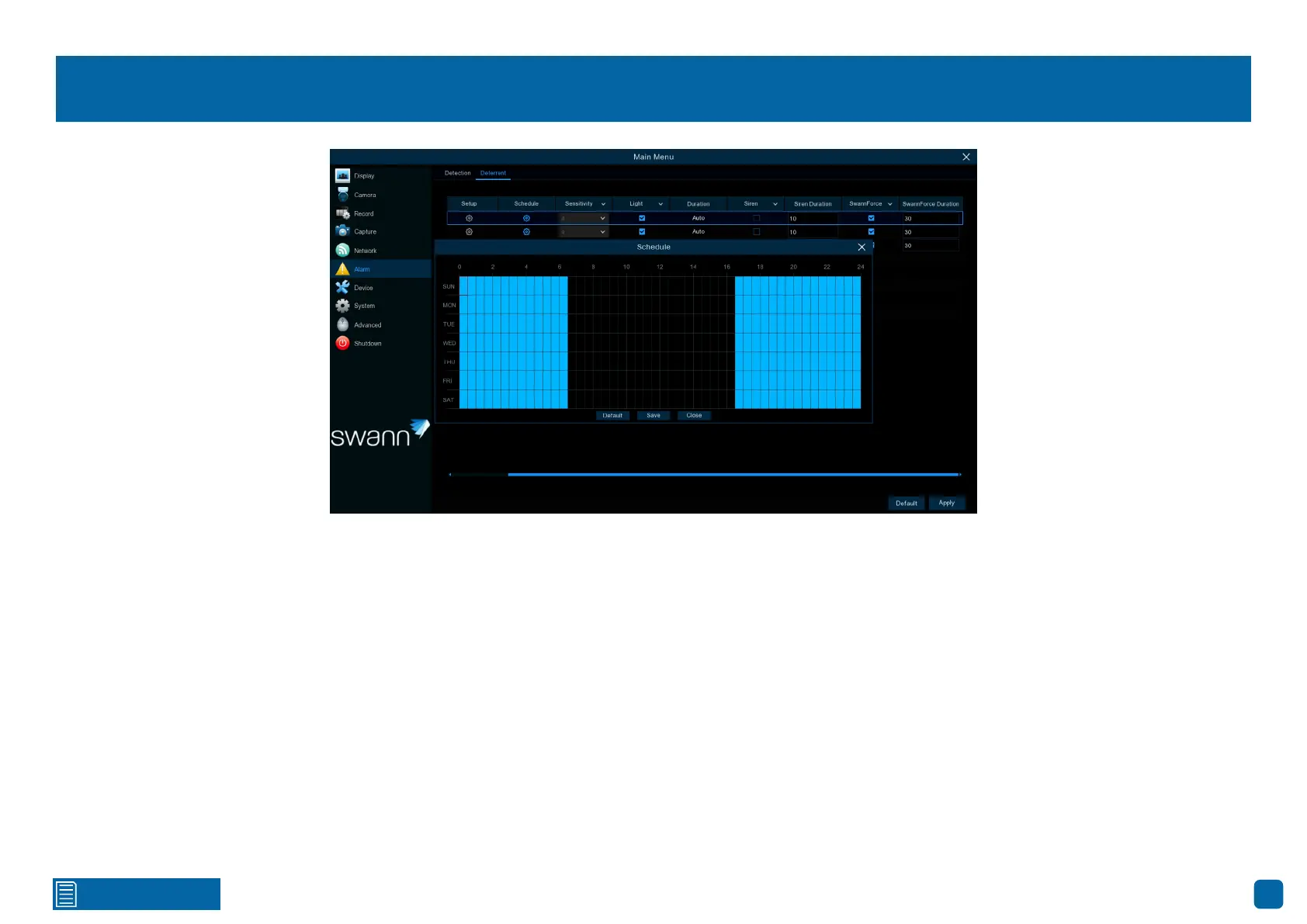
Deterrent Schedule
By default, the spotlight and siren (if enabled) will not trigger between 06:30
a.m. and 04:30 p.m. however, you can change this according to your needs.
Each square represents 30 minutes. Using the mouse, click on a particular
square to change or click and drag the mouse over the squares correspond-
ing to your desired period.
Click “Save” to save changes made. Right-click the mouse to exit.



 To Next Page