36
Click for contents
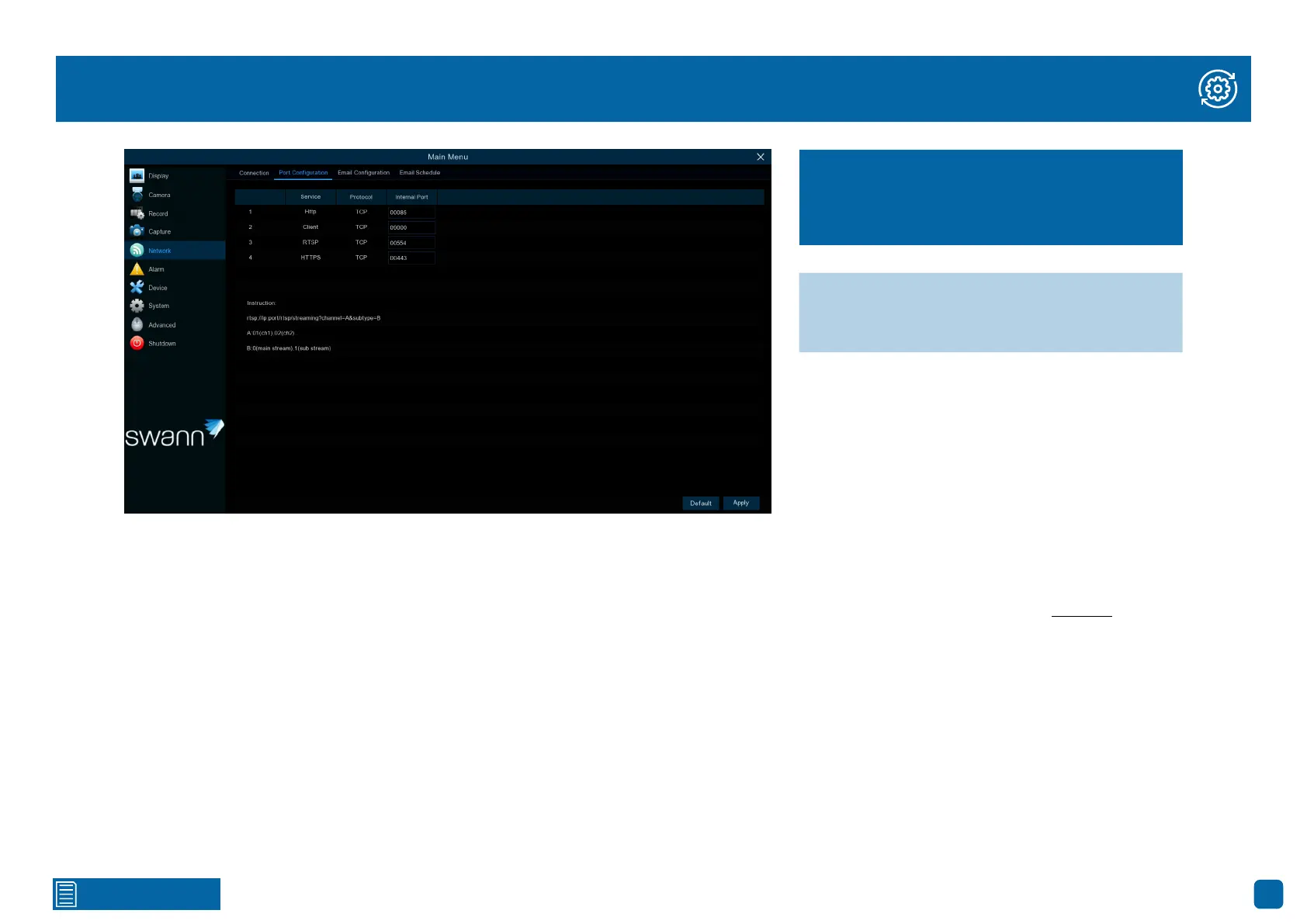
Network: Port Configuration
In most circumstances, there is no need to change the settings here. The
following is for advanced users only.
Http: This port will log into your Power Hub via your network or remotely. The
default port number (85) is seldom used by other devices. If you have another
device using this port, you may need to change it. An alternative port number
to use is 90.
Client: This is the internal port your Power Hub will use to send information
through. This particular port number (9000) is not used by many devices. If
you have another Power Hub-like device, you may need to change it.
RTSP: This port can stream a camera’s live view image to your computer
(powered cameras only).
HTTPS: The same as Http but with an additional layer of security. The default
port number (443) is seldom used by other devices.
To view your cameras on your PC or Mac you can download and install the
Swann Security Video Management Software (see page 37).
→ Click “Default” to revert to default settings.
→ Click “Apply” to save settings.
The cog symbol (top right) indicates functions
that are suitable for experienced users and or
some networking knowledge is required.



 To Next Page