35
Click for contents
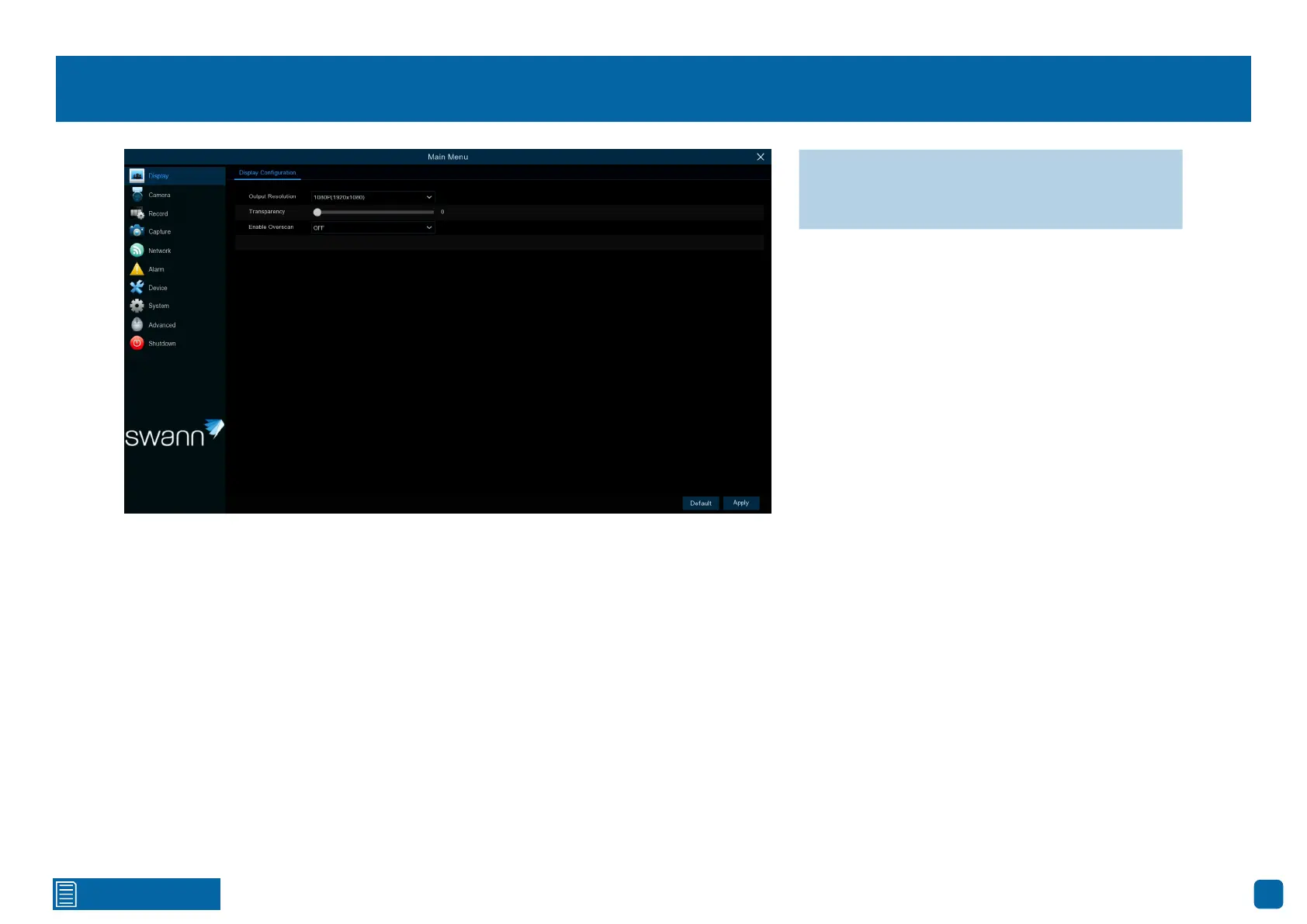
Display: Display Configuration
Output Resolution: Select a display resolution that is suitable for your TV.
Transparency: Click and hold the slider left or right to change how trans-
parent the Menu Bar and Main Menu appears on-screen. Adjust accordingly.
Enable Overscan: This is mainly used on older television sets to display the
entire viewable area correctly on-screen. It does this by cutting off the edges
of the picture. This is not required for modern Plasma and LCD TVs, as the
image is digitally processed to display the correct aspect ratio.
→ Click “Default” to revert to default settings.
→ Click “Apply” to save settings.



 To Next Page