28
Click for contents
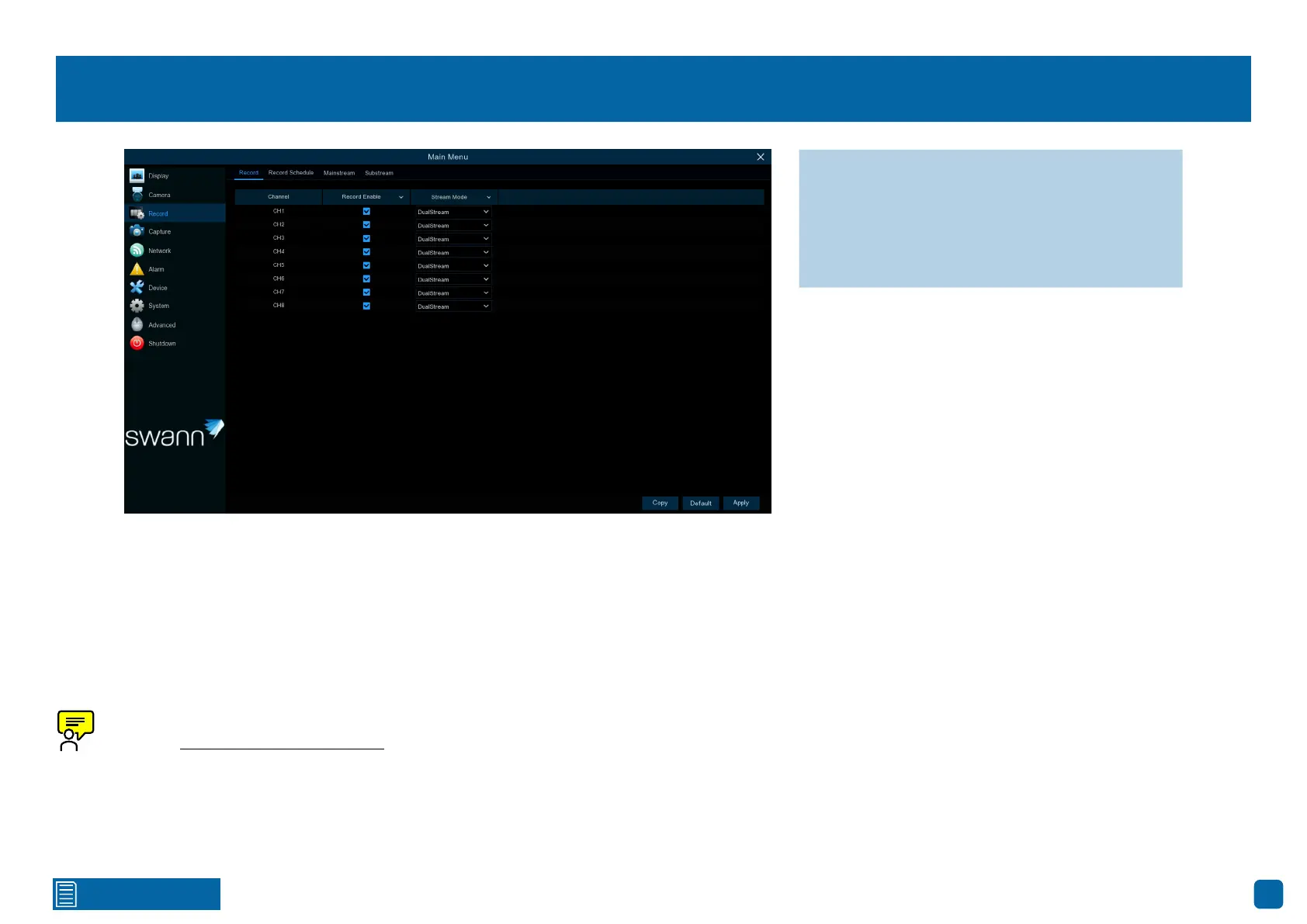
Record: Record
Record Enable: When disabled, your Power Hub will detect motion but won’t
record (manual record is also disabled).
Stream Mode: By default, your Power Hub will record both Mainstream and
Substream video (known as DualStream). Mainstream (high-quality) video
is utilized for playback when using your Power Hub directly. Substream (re-
duced quality) video is utilized for remote playback on your mobile device.
To adjust the duration on how long your Power Hub will record (see
page 32 - Camera: Wireless Camera).
→ Use the “Copy” function to apply all set-
tings to the other cameras paired.
→ Click “Default” to revert to default settings.
→ Click “Apply” to save settings.



 To Next Page