65
Click for contents
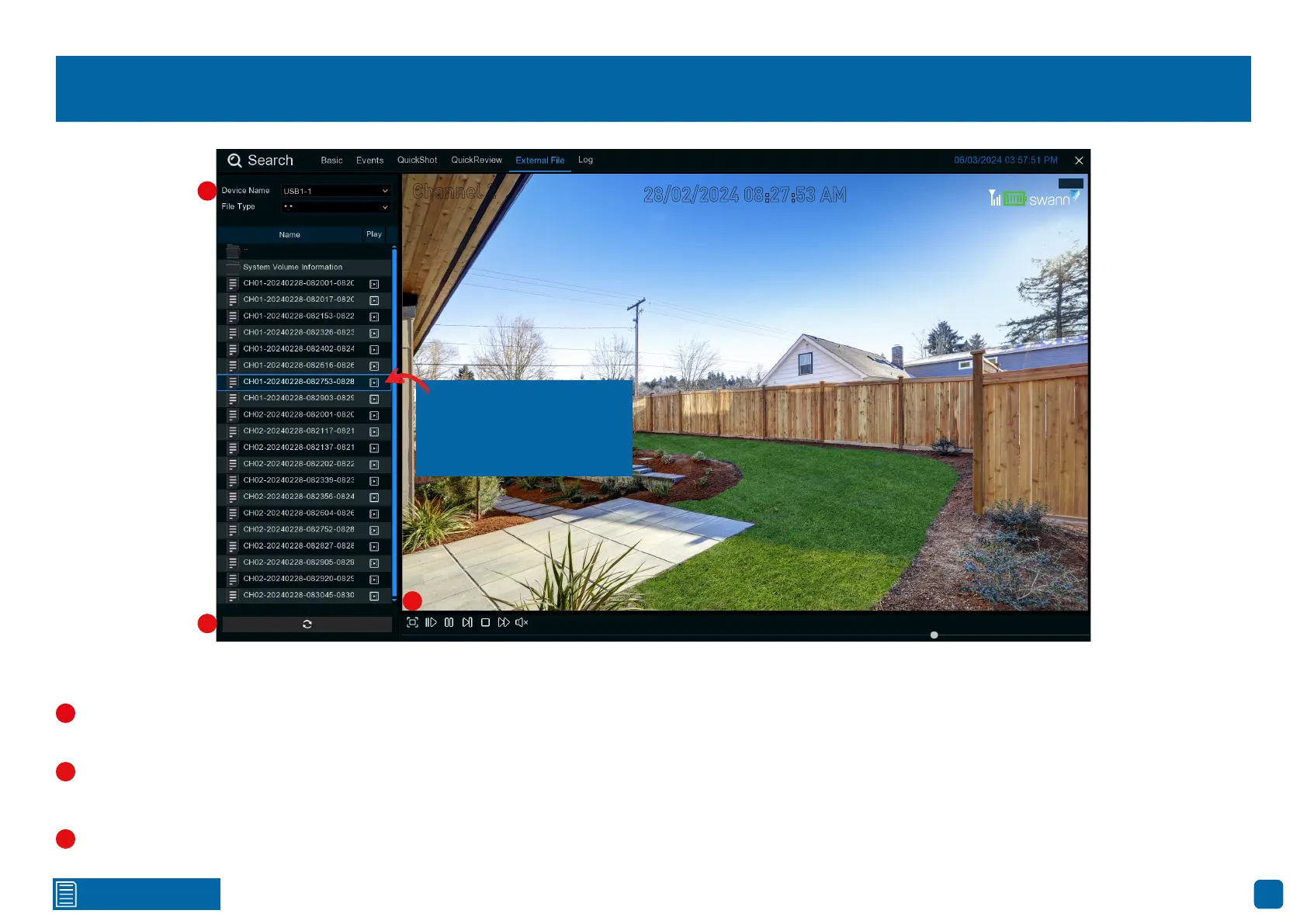
Search: External File
Use this function to play events that you have copied to a USB flash drive.
If multiple USB flash drives are connected, click the drop-down menu to
select the drive that you want to read from.
Click this button to refresh the USB flash drive.
Double-click an event to play.
Click this to hide the playback interface so you can maximize your viewing
area. Right-click to restore.
Channel 2
28/02/2024 08:27:53 AM
Play
1
2
2
1
3
Events saved to your
USB flash drive will be
displayed here.
3



 To Next Page