30
Click for contents
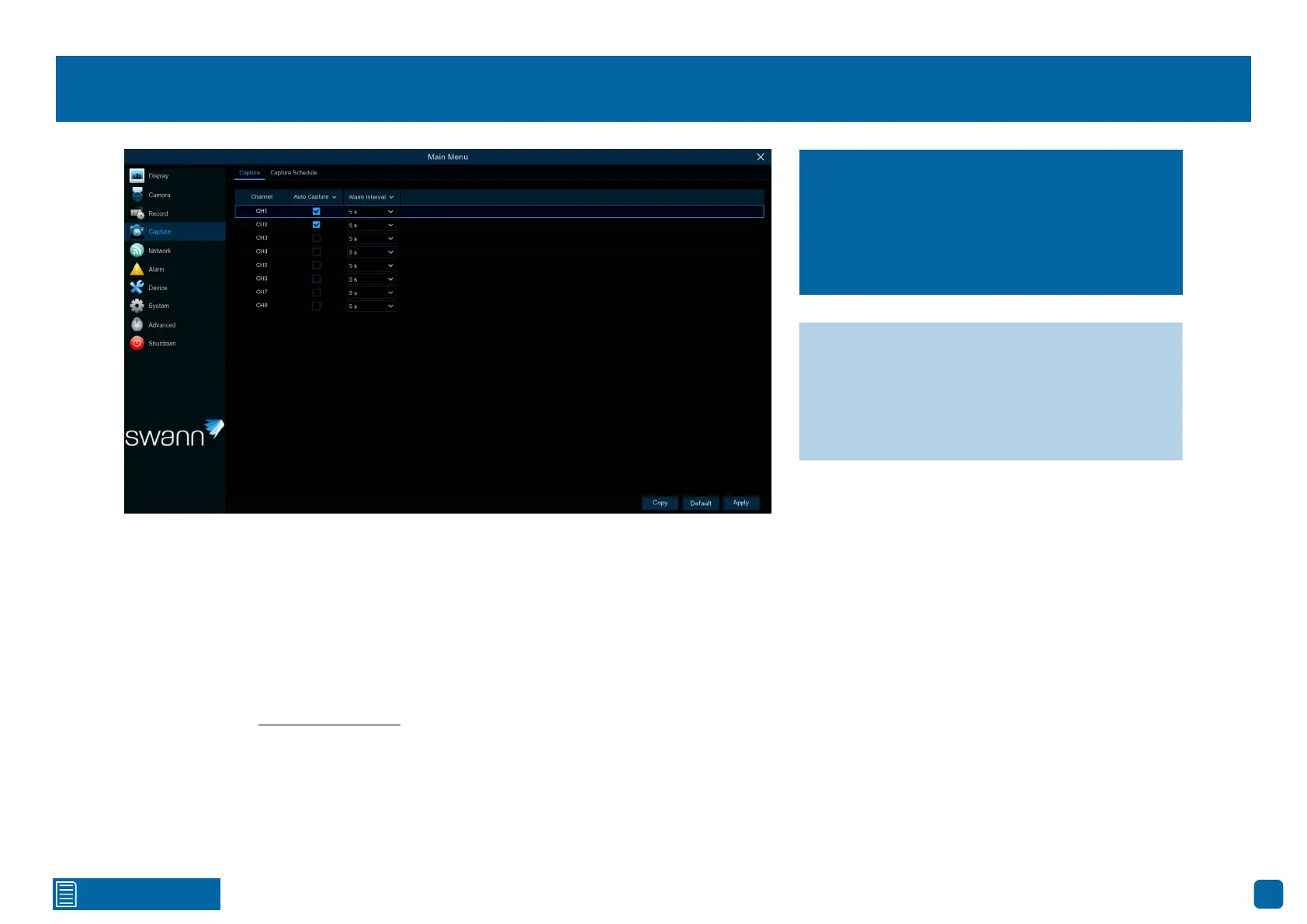
Capture: Capture
Auto Capture: When enabled, your Power Hub will save a snapshot to your
Power Hub’s storage device each time an event occurs.
Alarm Interval: When setting a PIR and Motion/Person/Vehicle capture
schedule, a snapshot will be taken each time motion has been detected ac-
cording to the interval selected. Adjust accordingly.
As this is an added feature, a capture schedule is not enabled by default. To
enable this (see page 31 – Capture: Schedule).
As an added feature, you can enable and set a
schedule for your Power Hub to take a snap-
shot each time an event occurs. It helps to find
motion events quickly and can also be used for
time-lapse photography.
→ Use the “Copy” function to apply all set-
tings to the other cameras paired.
→ Click “Default” to revert to default settings.
→ Click “Apply” to save settings.



 To Next Page