27
Click for contents
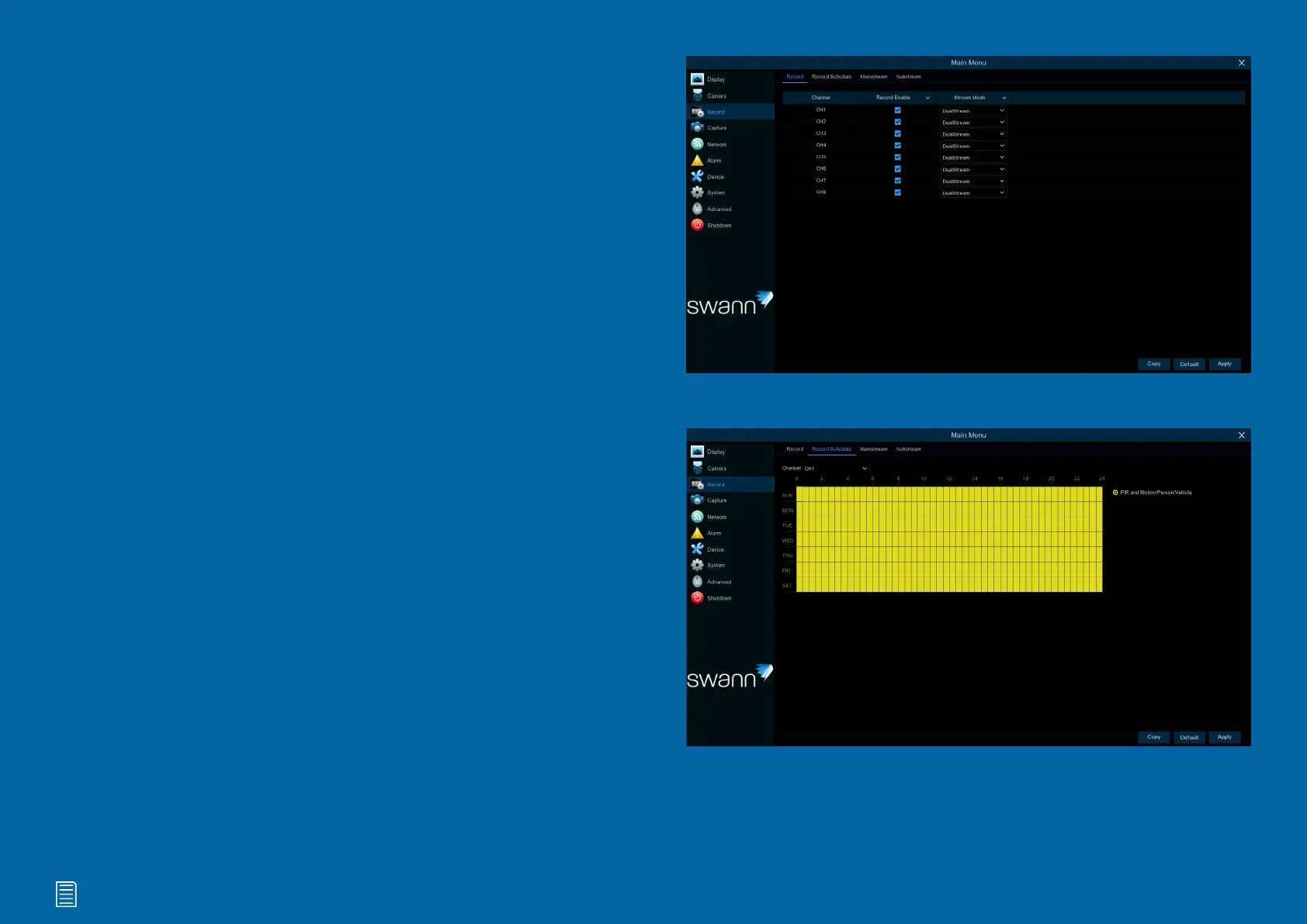
Recording Configuration
The recording configuration options are avail-
able in the Record and Capture menus, ac-
cessible from the Main Menu. You can access
and change the default recording schedule
(presented as a 24-hour, 7-day week grid) for
each camera connected. You can also enable
and set a schedule for your Power Hub to take
a snapshot each time an event occurs.


 To Next Page