31
Click for contents
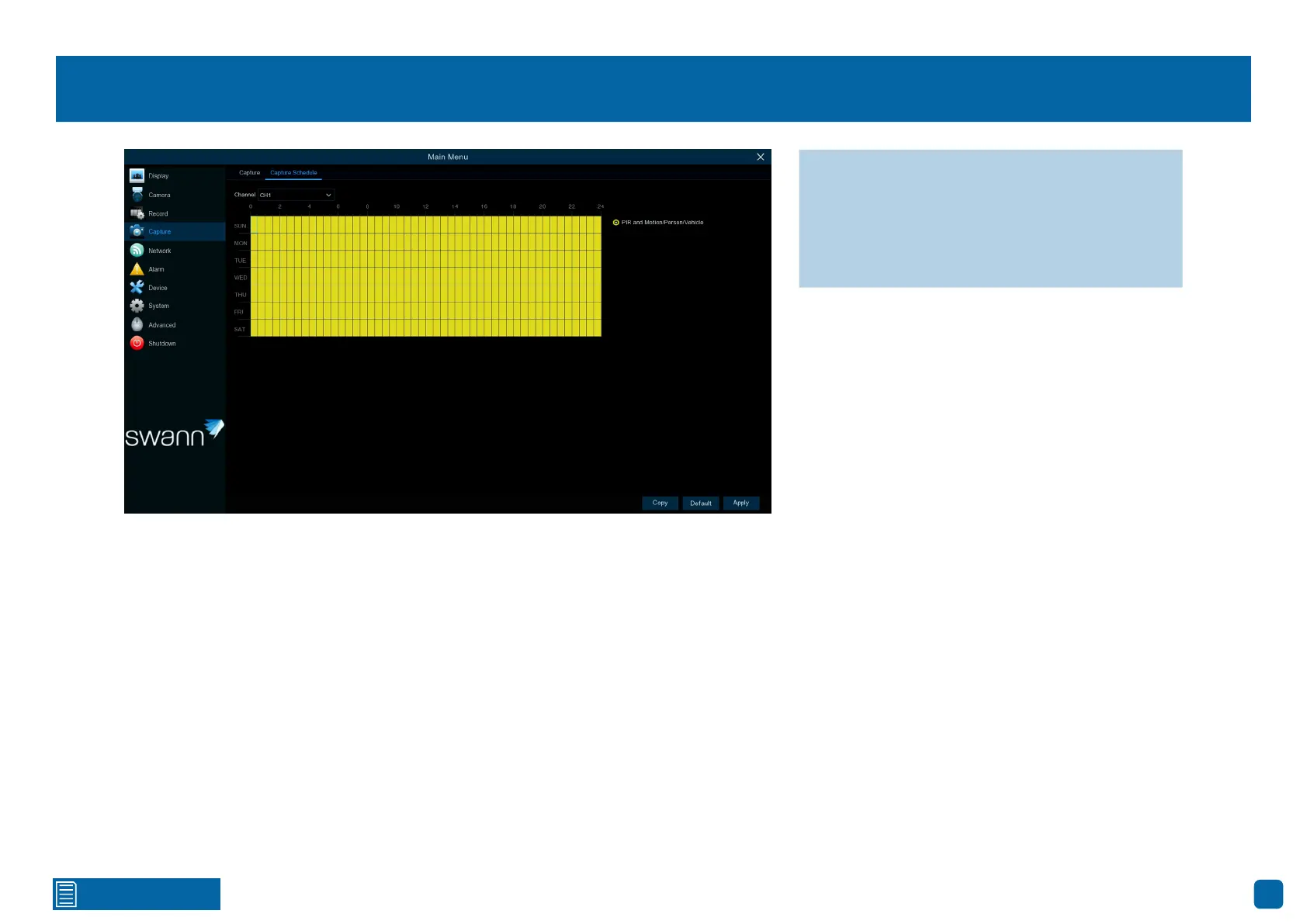
Capture: Schedule
Channel: Select a camera that you would like to edit.
PIR and Motion/Person/Vehicle: A snapshot is taken each time motion has
been detected according to the alarm interval selected.
Each square represents 30 minutes. Using the mouse, click on a particular
square to change or click and drag the mouse over the squares correspond-
ing to your desired period. The same action can be applied if capture isn’t
required (on one or more sections enabled).
→ Use the “Copy” function to apply all set-
tings to the other cameras paired.
→ Click “Default” to revert to default settings.
→ Click “Apply” to save settings.



 To Next Page