48
Click for contents
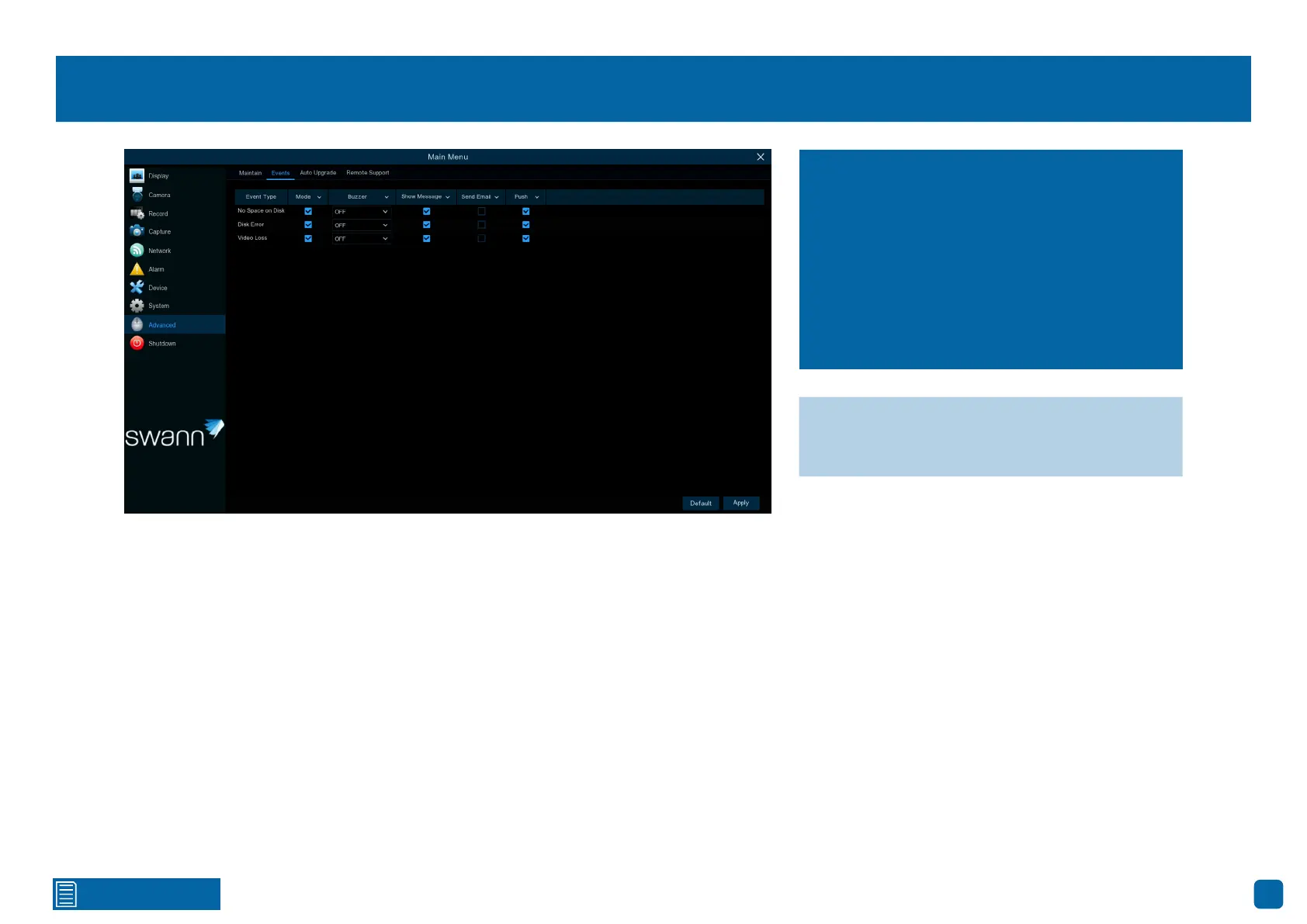
Advanced: Events
Event Type: Click the checkbox if you would like to disable alerts for the event
available.
Buzzer: Click the drop-down menu and select the time for the internal buzz-
er to activate for the event available.
Show Message: Click the checkbox if you like to disable the on-screen mes-
sage for the event available.
Send Email: Click the checkbox if you would like to enable email alerts for
the event available.
Push: Push notifications are sent via the Swann Security app. Click the check-
box if you want to disable this.
→ Click “Default” to revert to default settings.
→ Click “Apply” to save settings.
Whenever there is an event or if your Power
Hub displays unusual behaviour, you can be
alerted in multiple ways, such as receiving an
email, displaying a message on-screen, re-
ceiving an alert in the Swann Security app, and
activating its internal buzzer. There are three
event types that your Power Hub will detect as
an exception.



 To Next Page