49
Click for contents
Advanced: Auto Upgrade
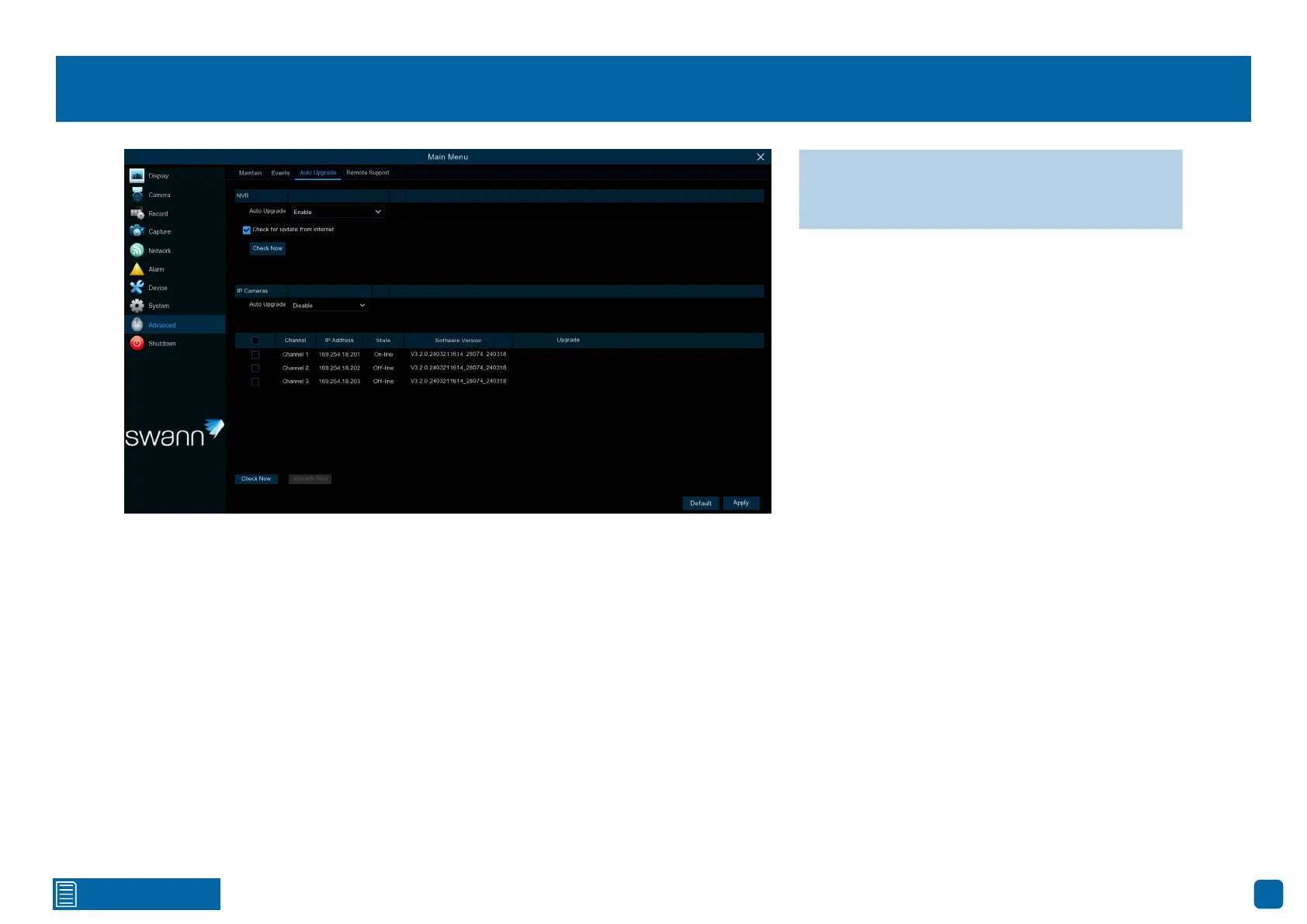
NVR
Auto Upgrade: By default, your Power Hub will automatically check and alert
you if new firmware is available for download. Click the drop-down menu if
you would like to disable this feature.
Check for update from internet: By default, your Power Hub will automati-
cally check and alert you if new firmware is available for download. Click the
checkbox if you would like to disable this feature.
Check now: Click this button to check if new firmware is available. If new
firmware is available, follow the on-screen instructions.
IP Cameras
Auto Upgrade: Click the drop-down menu to enable your Power Hub to au-
tomatically check and alert you if new firmware is available for the paired
cameras.
Click the checkbox on one or more of the cameras paired to check for a firm-
ware update.
Check Now: Click to check for a camera firmware update.
If a firmware update is available, click the “Upgrade Now” button and follow
the on-screen instructions.
→ Click “Default” to revert to default settings.
→ Click “Apply” to save settings.



 To Next Page