CB3000 Client Bridge User Guide
1-4
Warning! Do not connect a Client Bridge set to Infrastructure mode directly
to the LAN (for example, through a wall port). Such a connection could
cause a transmission loop between the client bridge and access point,
disrupting network operation.
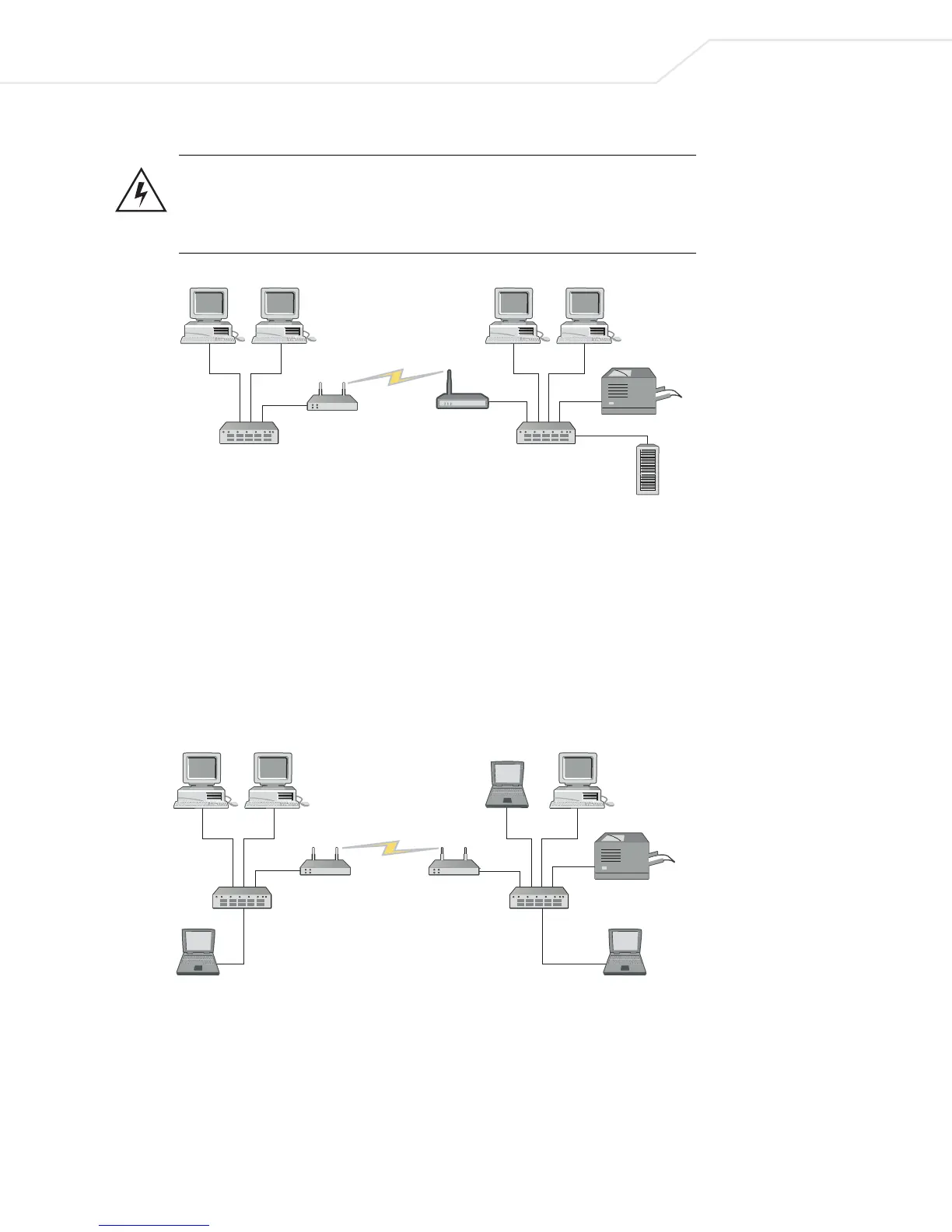
Figure 1.2 Infrastructure Mode
1.2.1.2 Ad Hoc (Peer-to-Peer) Mode
Ad Hoc (Peer-to-Peer) mode allows two or more CB3000 units to communicate exclusively with one another
without the use of an access point. In the simplest of terms, this mode uses the CB3000 to bridge two or more
Ethernet devices.
In ad hoc mode, all client devices bridged with the CB3000 share the same subnet and have identical
configurations. More specifically, the wireless LAN service area, channel selection, data preamble settings,
and security settings are required to be the same for the units to communicate.
Figure 1.3 Ad Hoc Mode
Client
Bridge
Access
Point
Printer
Storage
Client
Bridge
Printer
Client
Bridge



 To Next Page