Getting Started
2-3
2.4 Cabling the CB3000
To cable the CB3000, follow these steps:
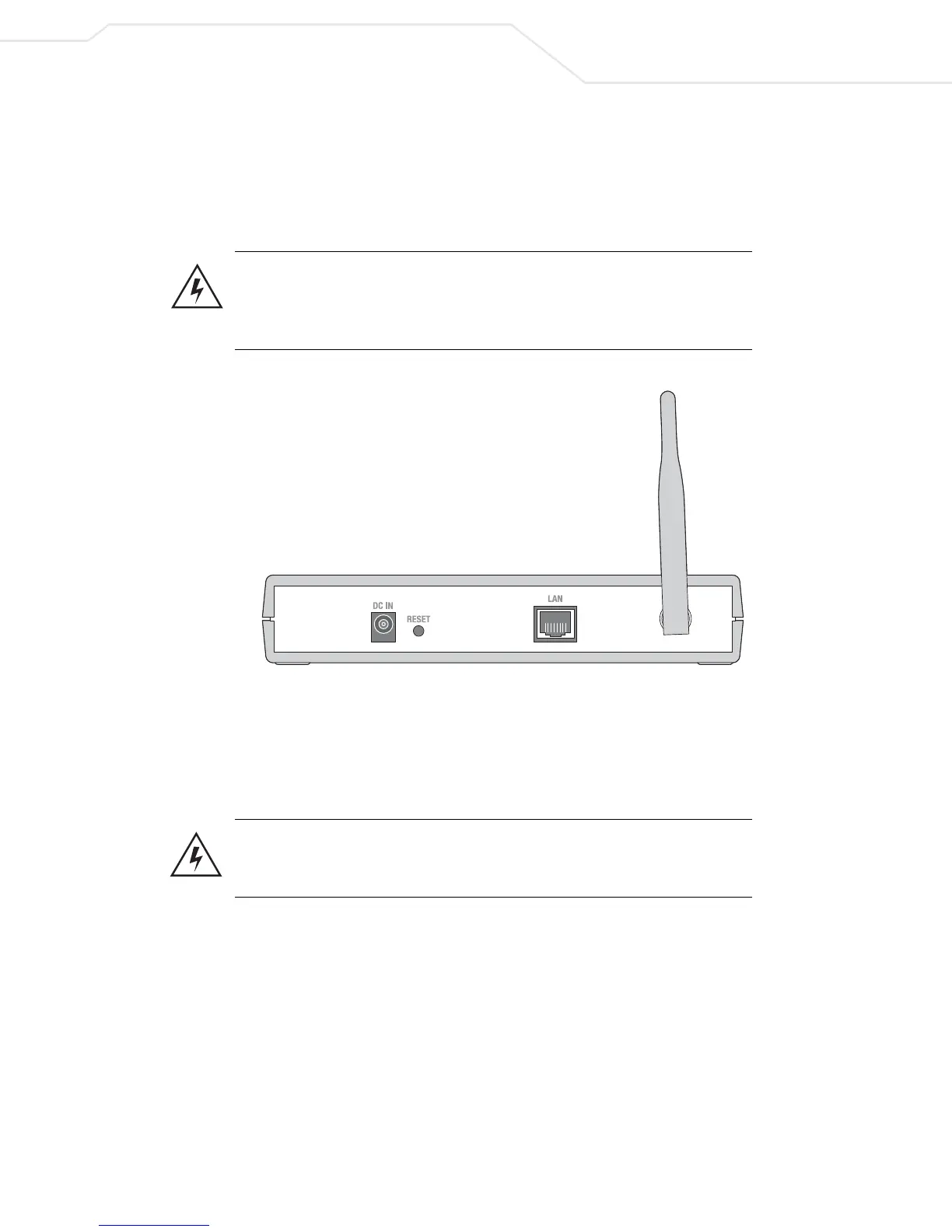
1. Screw the antenna clockwise onto the antenna connector on the rear of the CB3000.
Warning! Do not connect a Client Bridge set to Infrastructure mode directly
to the LAN (for example, through a wall port). Such a connection could
cause a transmission loop between the client bridge and access point,
disrupting network operation.
Figure 2.1 Rear of the CB3000
1. Attach one end of an Ethernet cable to a RJ-45 jack on a networked computer or router.
2. Connect the other end of the Ethernet cable to the LAN connector on the rear of
the CB3000.
3. Plug the power adapter into the DC-IN connector on the rear of the CB3000.
Warning! Only use the power adapter supplied by Symbol with the CB3000.
Using an incorrect power adapter could damage the CB3000 and void the
product warranty.
4. Connect the plug end of the power adapter into a power outlet. The built-in power converter
automatically selects and adjusts the power for the appropriate voltage.
5. Verify the installation by checking the status of the LEDs on the front of the CB3000.



 To Next Page